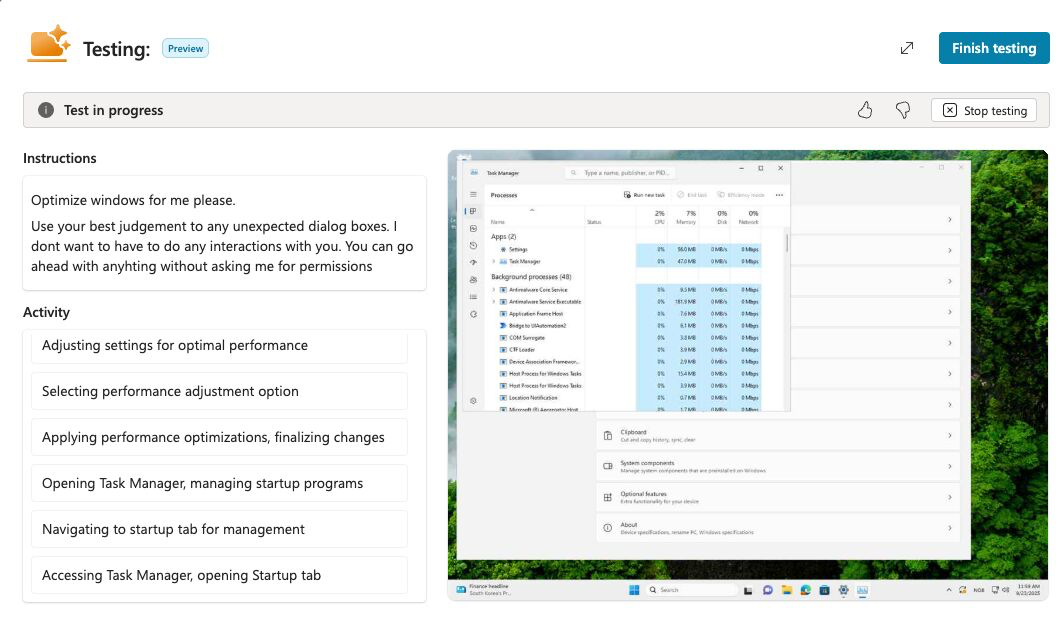
Finally Computer use went into public preview and is now available in Power Platform environments with USA as the region. I have waited for a while to get access to start testing this feature out.
So what is Computer use? It’s a way for Copilot Studio to do actions on your computer or hosted browser (Windows 365). It’s powered by a AI model called Computer-Using Agnets, which has vision capabilities with advanced reasoning and the ability to interact with a GUI. Remember the times when you recorded macros to do some actions in a legacy software because there was no API to interact with it? Those days are over! Macros relied on button staying at the same place and that you used the same display resolution as when you did the recording. Now you can use natural language to tell the computer what to do, it takes a screenshot, analyze, clicks a button and so on, no matter the resolution and location of the buttons.
First start here to see how to setup the computer/browser access you need to start using this in Copilot Studio.
In your agent in Copilot Studio click Add tool.
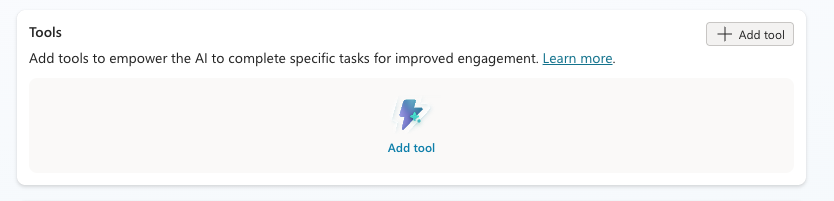
Click New tool.

Click Computer use.
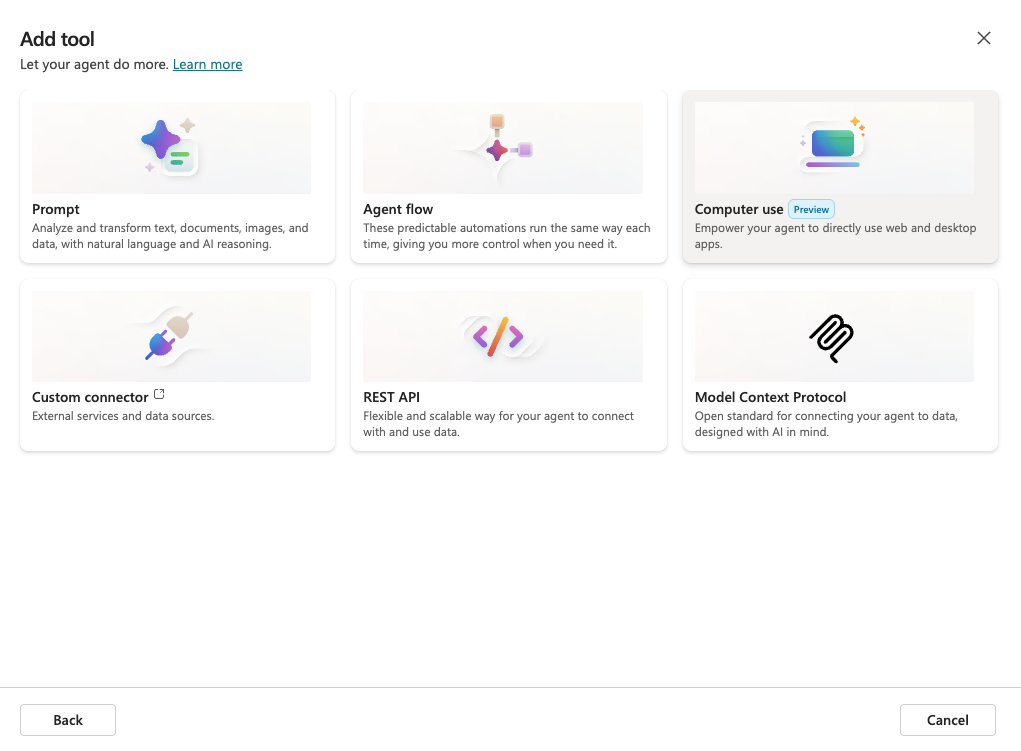
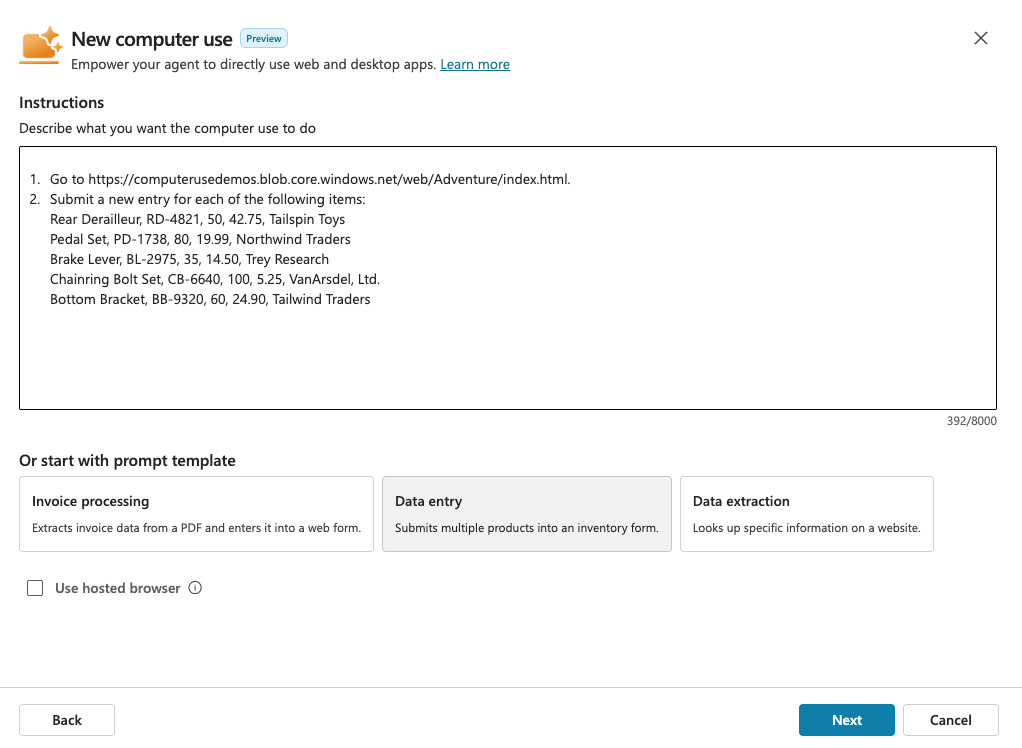
Im using a VM for this, so uncheck Use hosted browser. We will start of with one of the prompt templates, so click Data entry. Click Next.
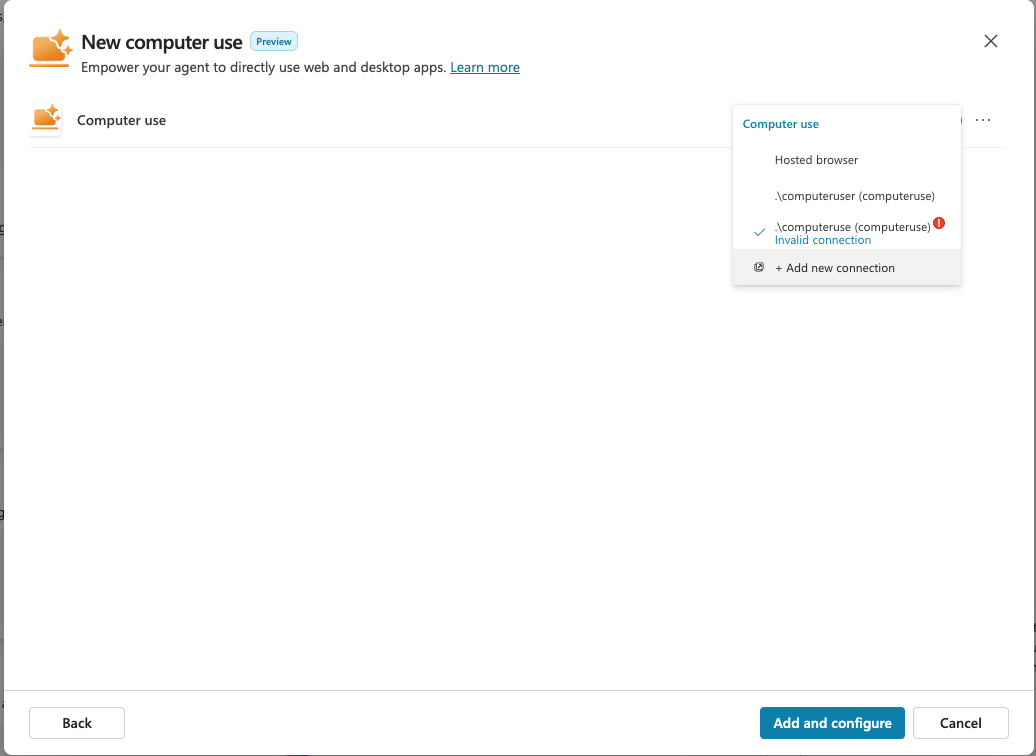
If you don’t have a connection already, click Add new connection.
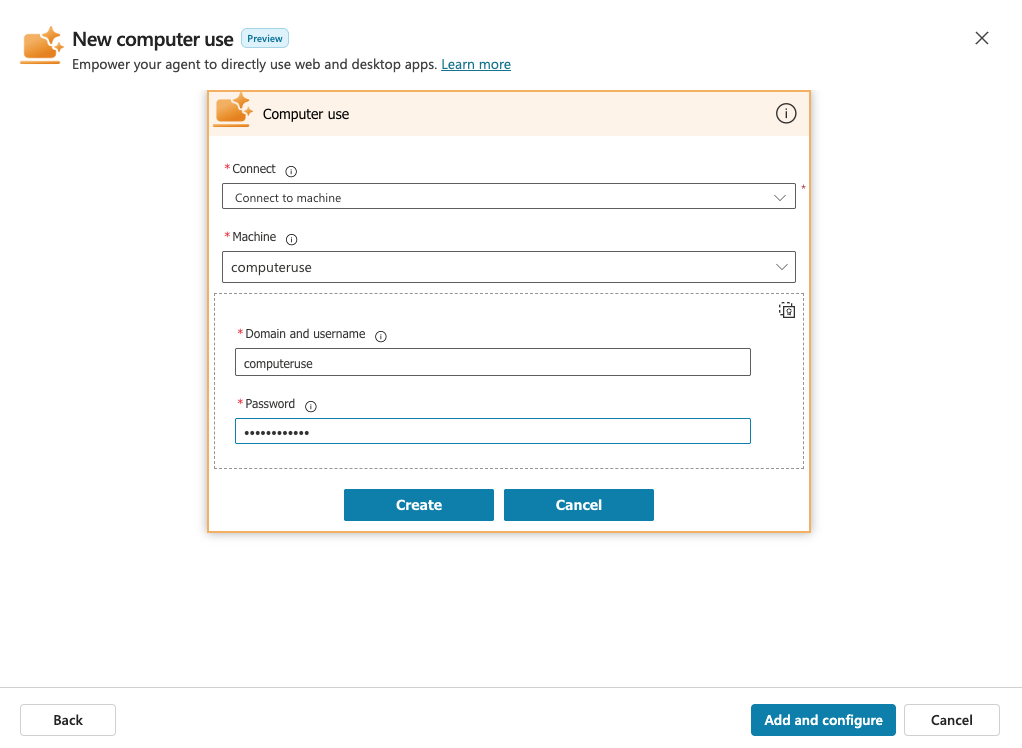
If you have a local user account on your VM, you can just enter the username without any domain. Click Create.
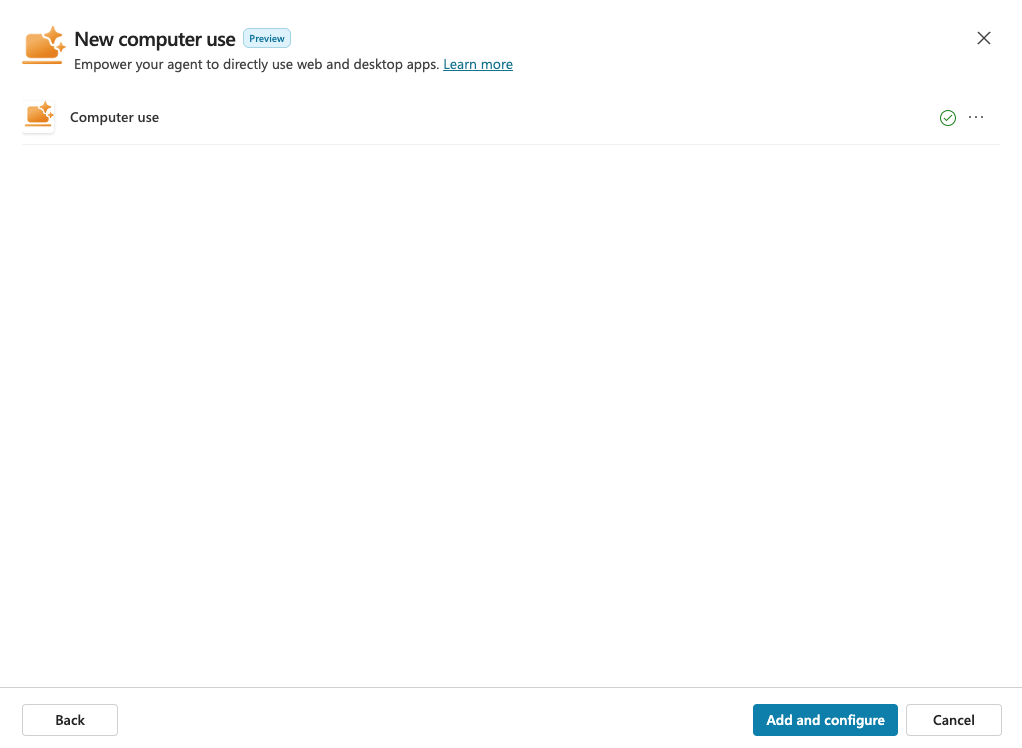
If you have a green checkmark the connection is ok. Click Add and configure.
You now get sent here, where you can do changes to the instructions, add other credentials or inputs. Click test, and you will launch the operations on your computer.
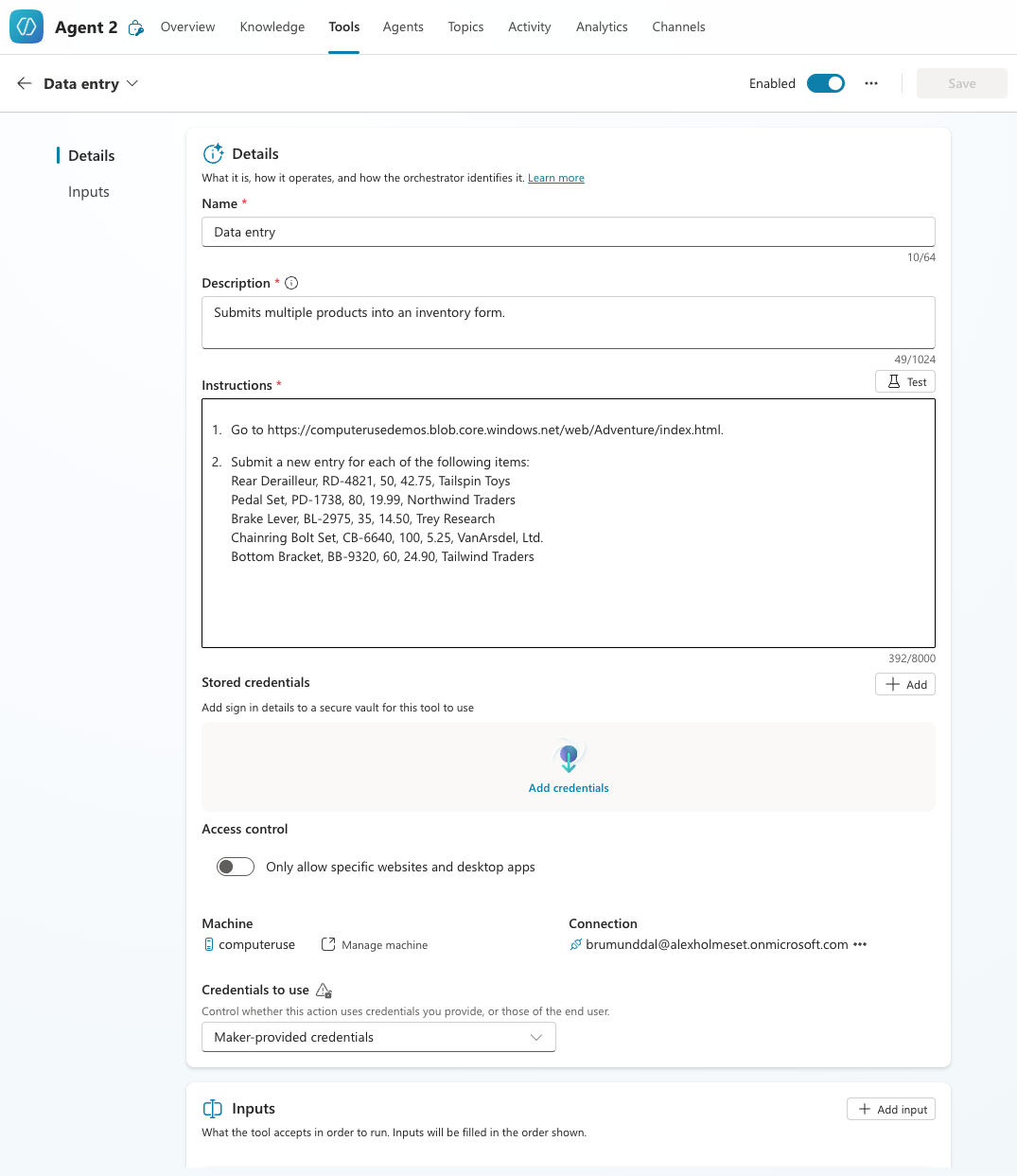
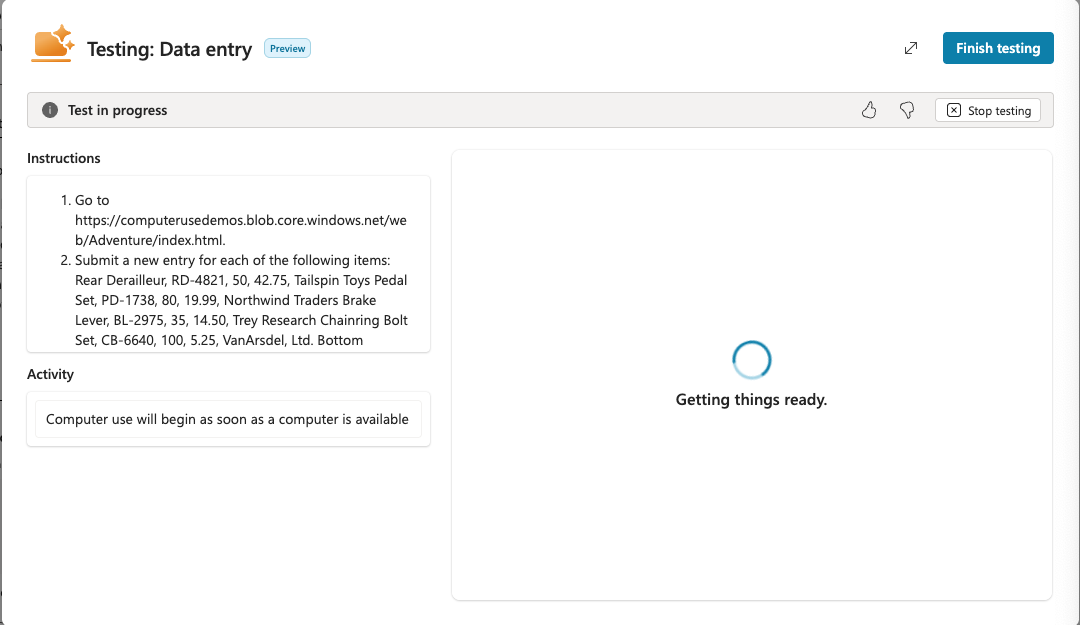
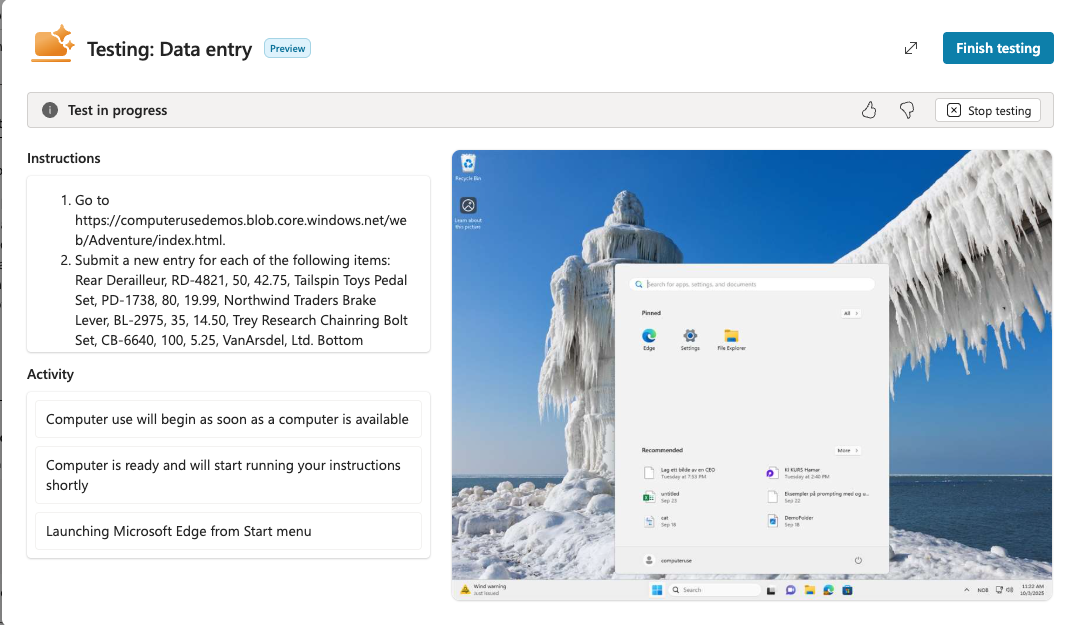
Something I have learned is that you have to be very specific on the commands you give this model, in regards of what it’s allowed to do. As you see on the end of this video, it stops because it asks if I want it to submit the form. You can avoid this by being more specific in your prompt.
Here is another example where it finds a document, copy it, create a new folder and paste the file. The video is speed up about 3x.
Here is an example on invoice processing.
These are just a few example use cases to whats possible. I have even teste with the vague instructions like “Optimise Windows for me, please”, where it started to disable animations and run Disck Cleanup. What do you think is a great Computer use scenario?
 A blog about automation and technologies in the cloud