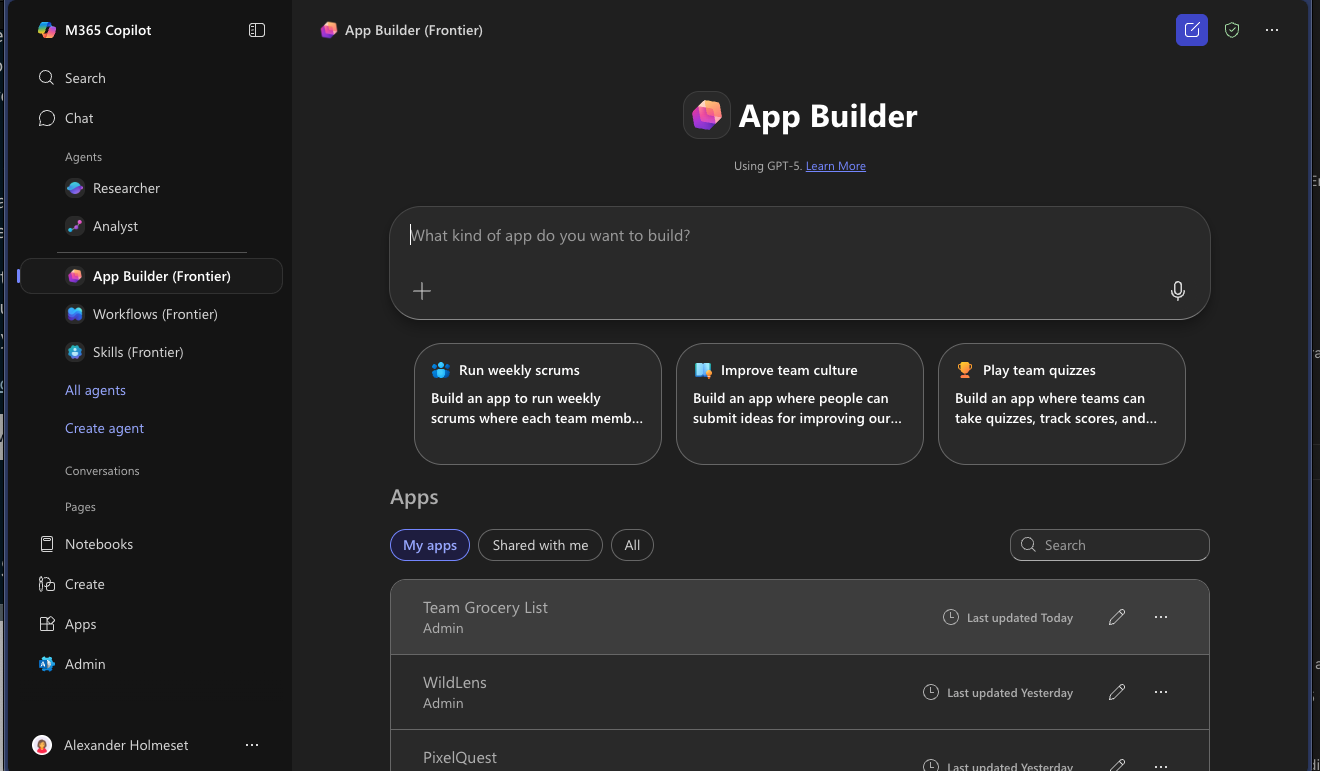
Microsoft recently released the App Builder agent under the Frontier program for early access.
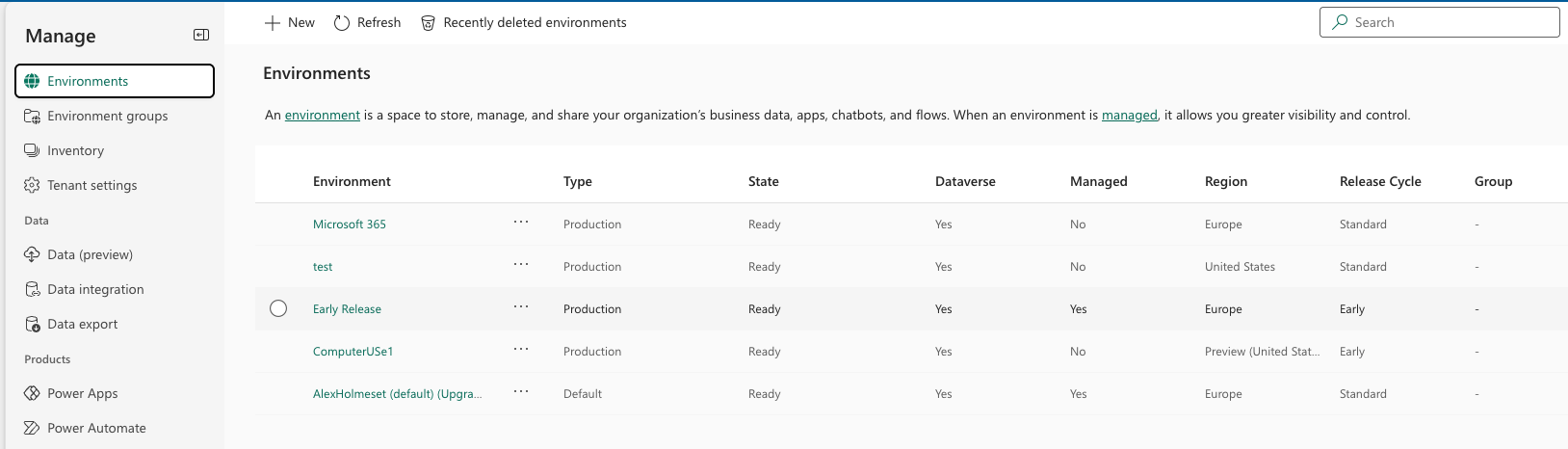
In the documentation it says that the M365 App Builder apps is stored in a hidden Power Platform environment available for admins and some data likes lists are store in a SharePoint site created for each app. Sow how do we find this Power Platform environment? If we take a look at the Environments menu in the Power Platform Admin Center you cant find any reference to it.
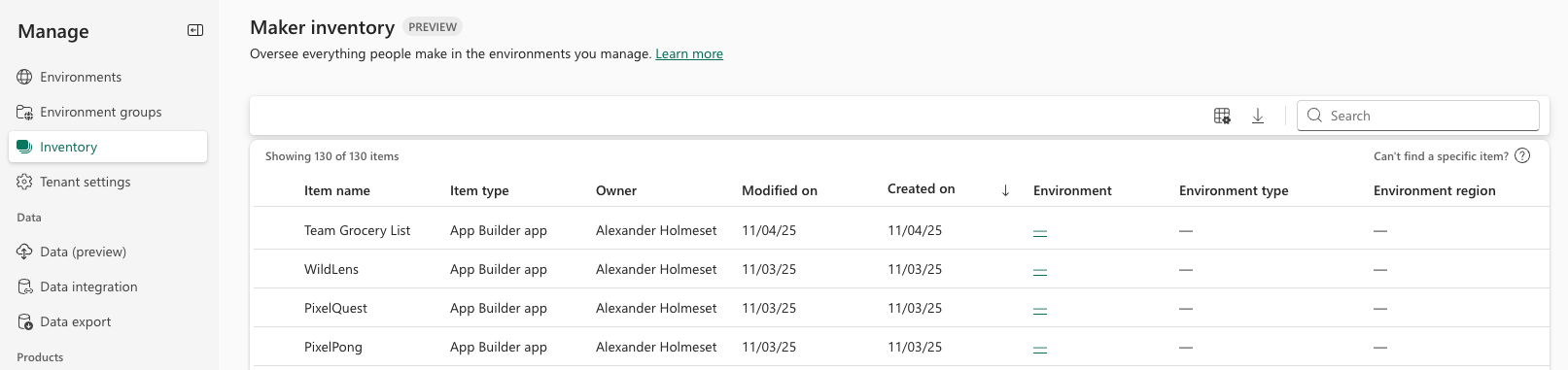
If you go to Inventory you find the apps you have created with App Builder, but environment is a “blank” clickable link.
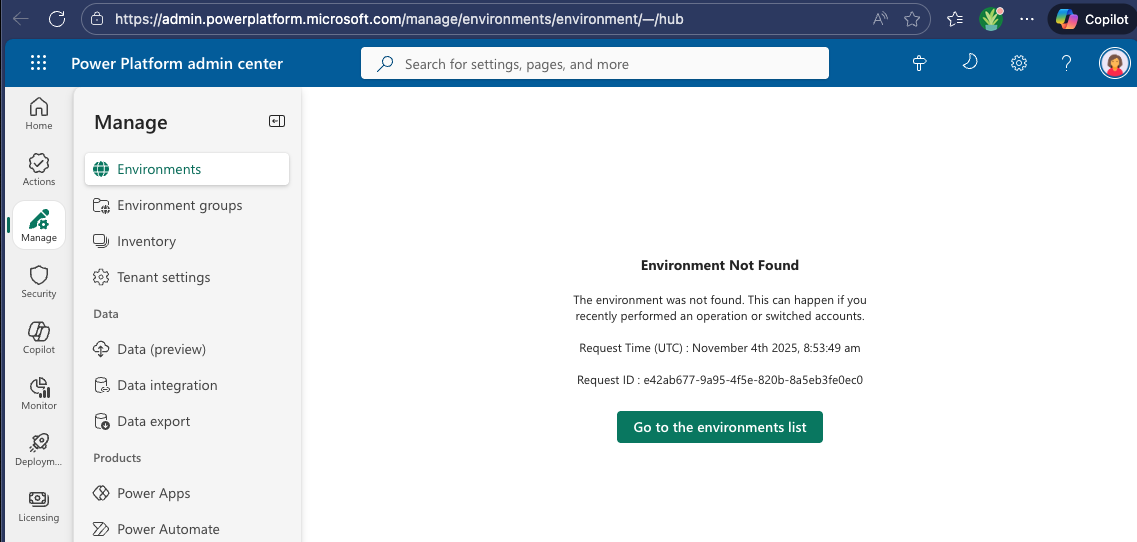
That link takes you to an environment that does not exist, because the URL is only a “-“.
Let’s try something else, go back to the Inventory page with dev mode (f12) turned on in your browser. If you look at the object for one of the App Builder apps, you actually see an environment id.
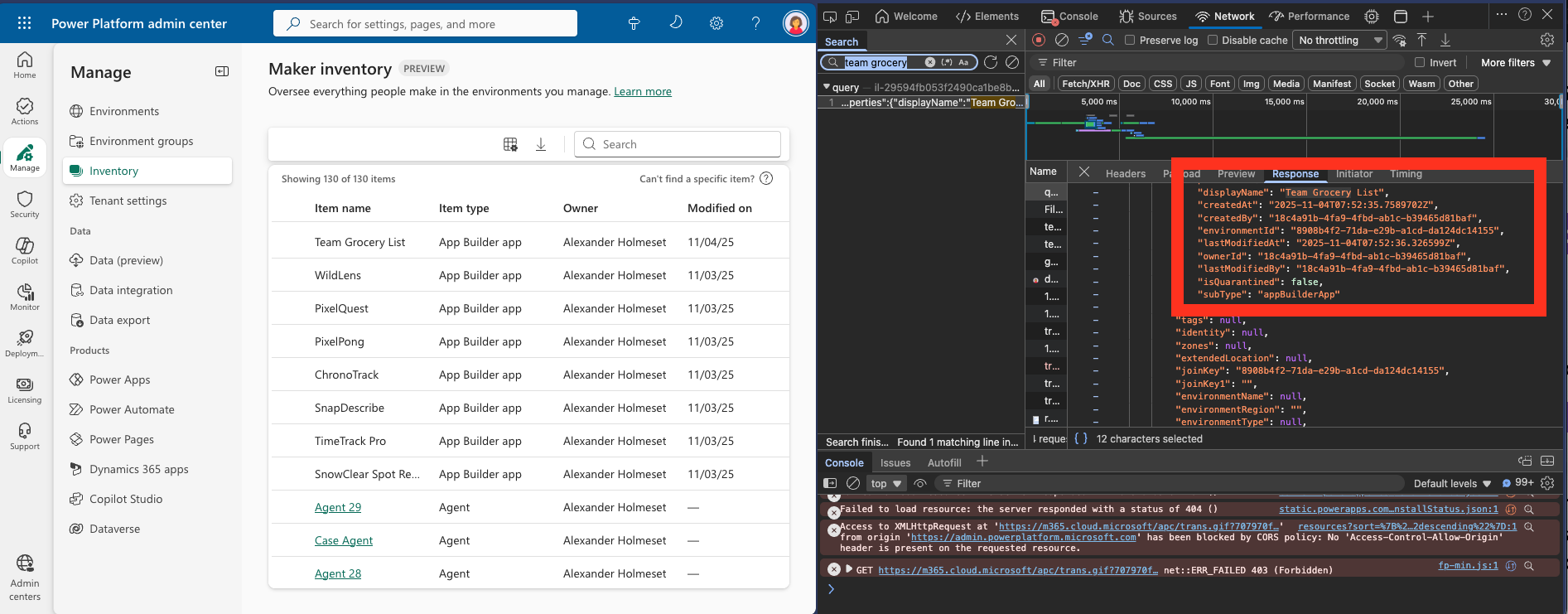
What happens if we use that id to create a url to an environment?
“https://admin.powerplatform.microsoft.com/manage/environments/environment/8908b4f2-71da-e29b-a1cd-da124dc14155/hub“
Looks like we found the hidden environment!
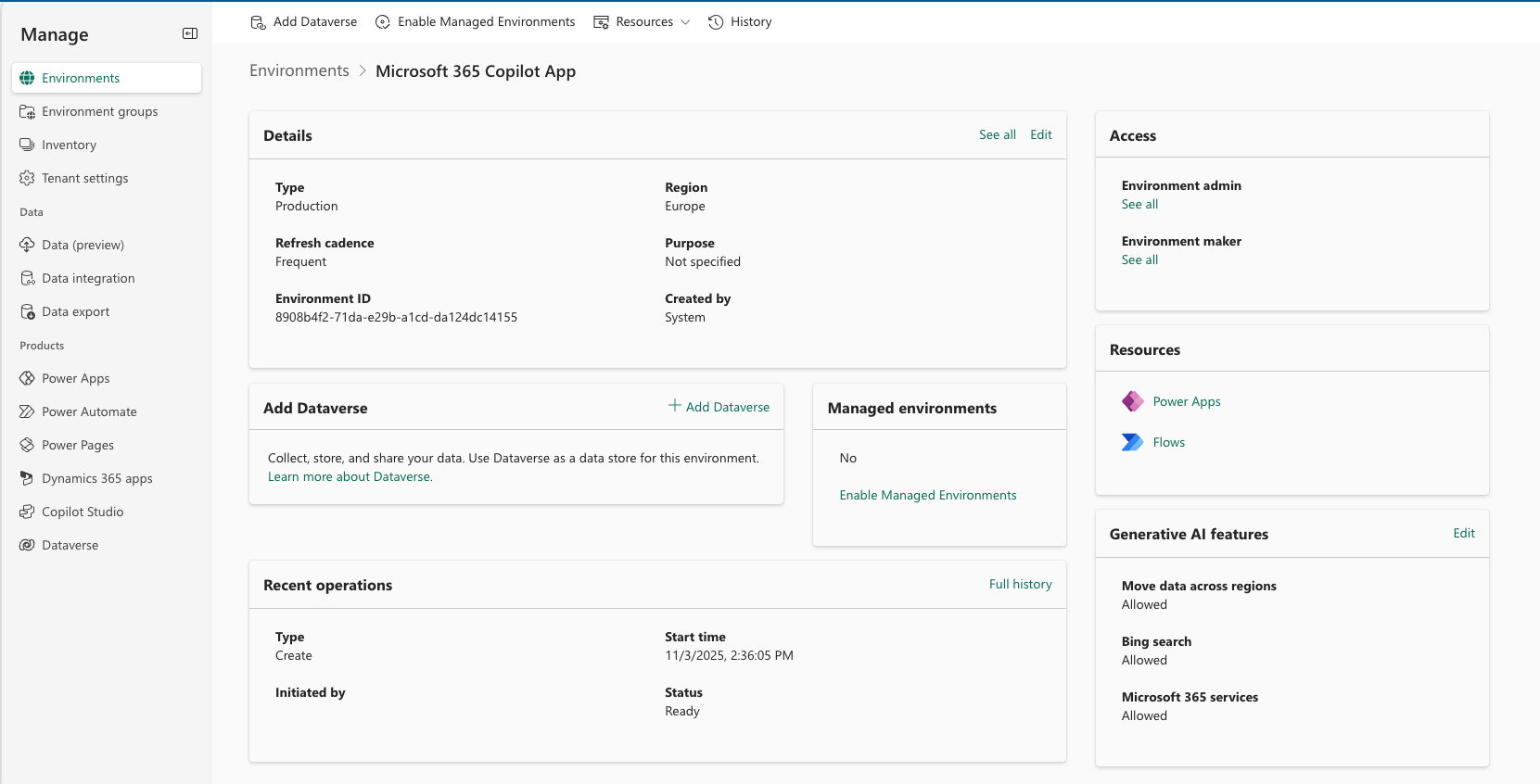
As you see, there is no environment URL to Dynanics, no apps and no flows.
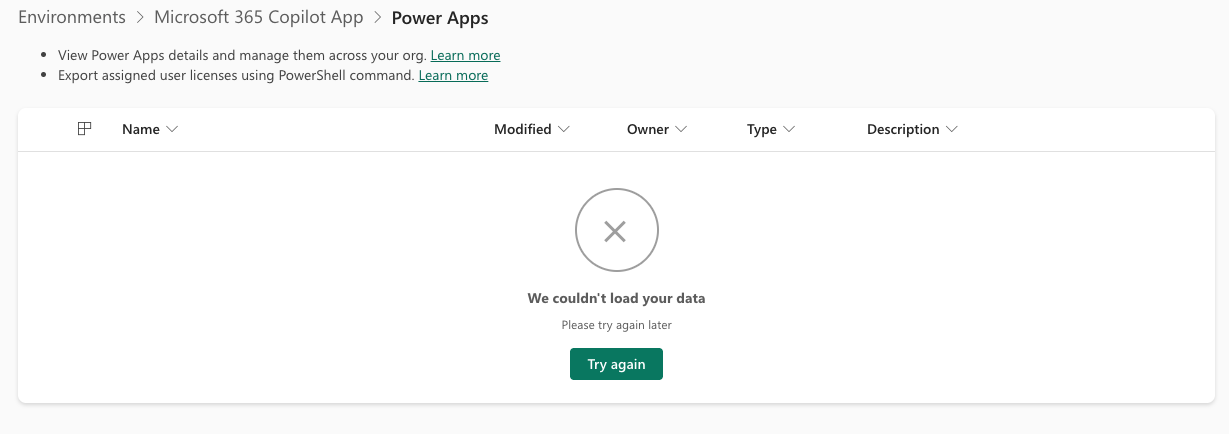
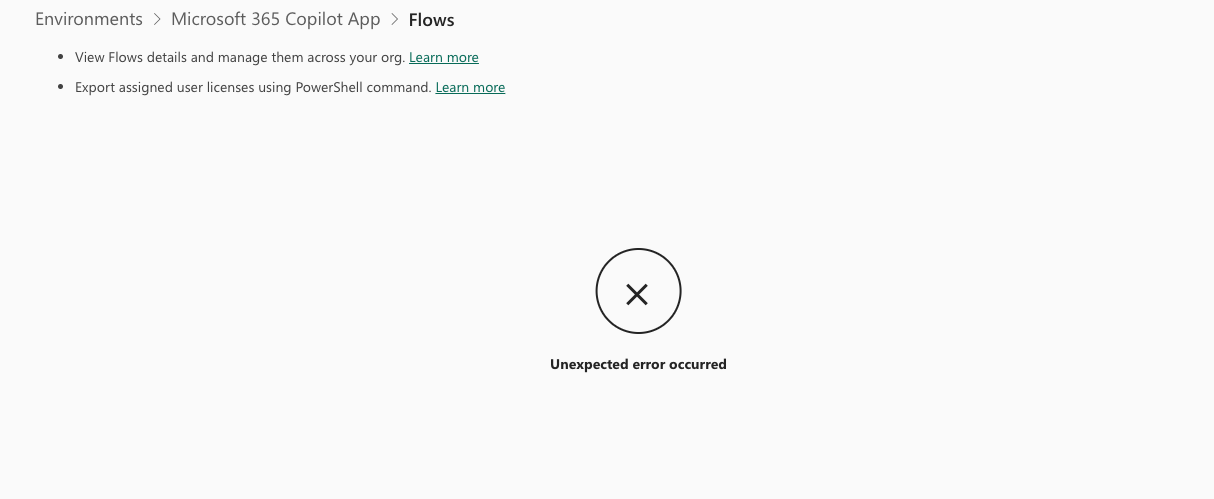
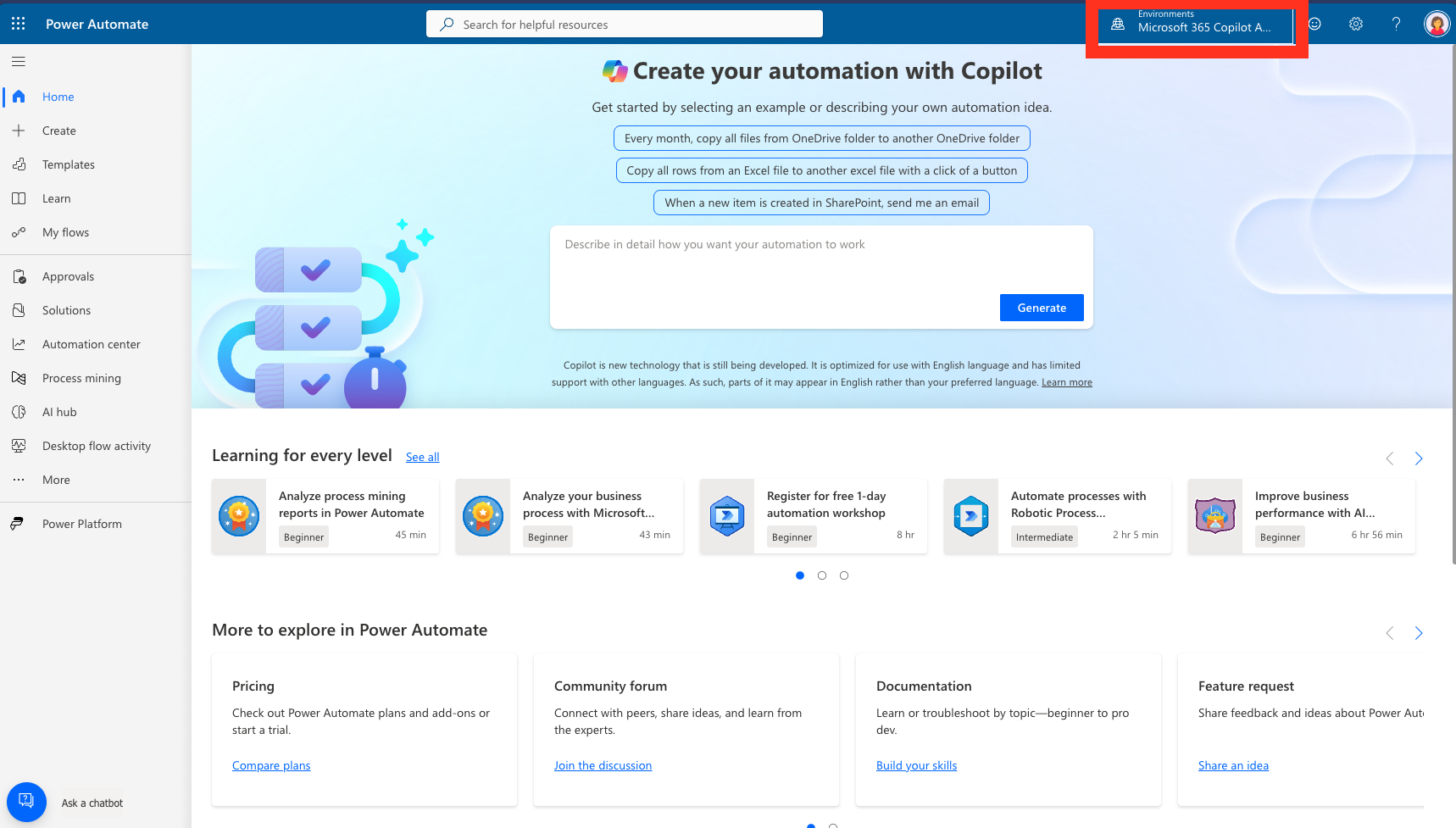
Turns out you can construct the link to the environment in Power Automate, but again you don’t really find anything there.
“https://make.powerautomate.com/environments/8908b4f2-71da-e29b-a1cd-da124dc14155/home“
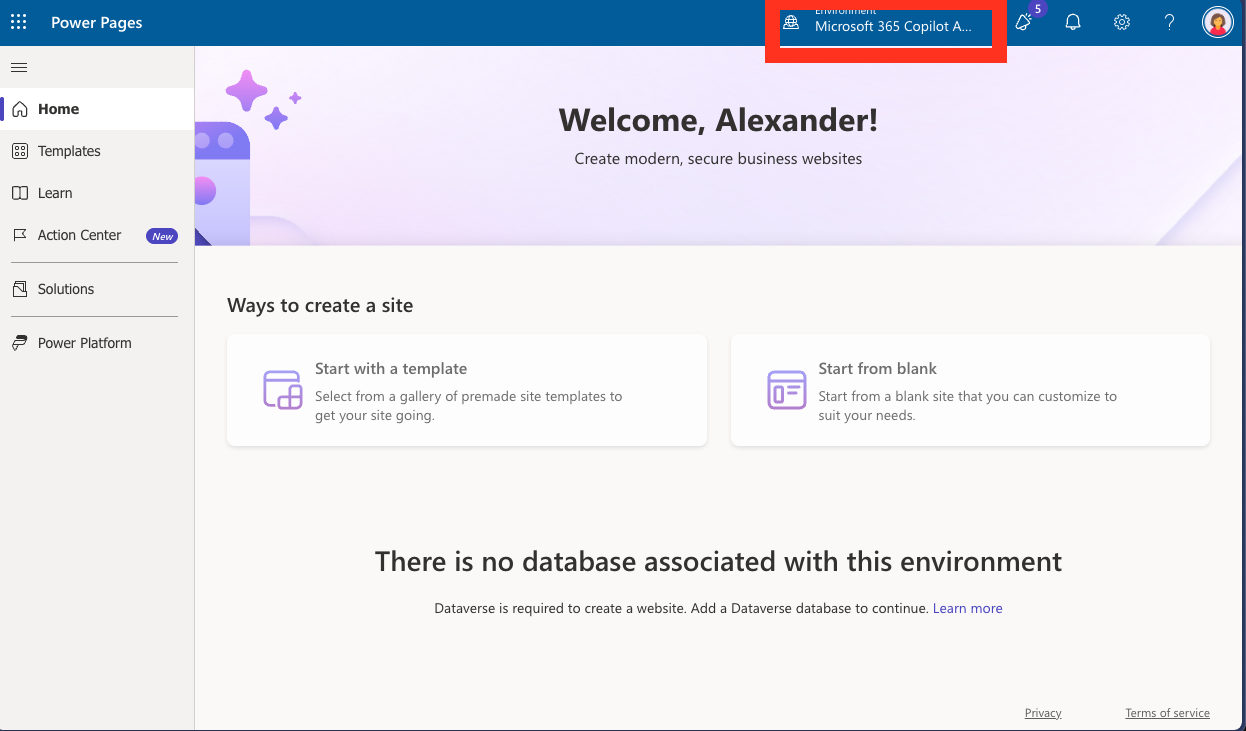
Same with Power Pages.
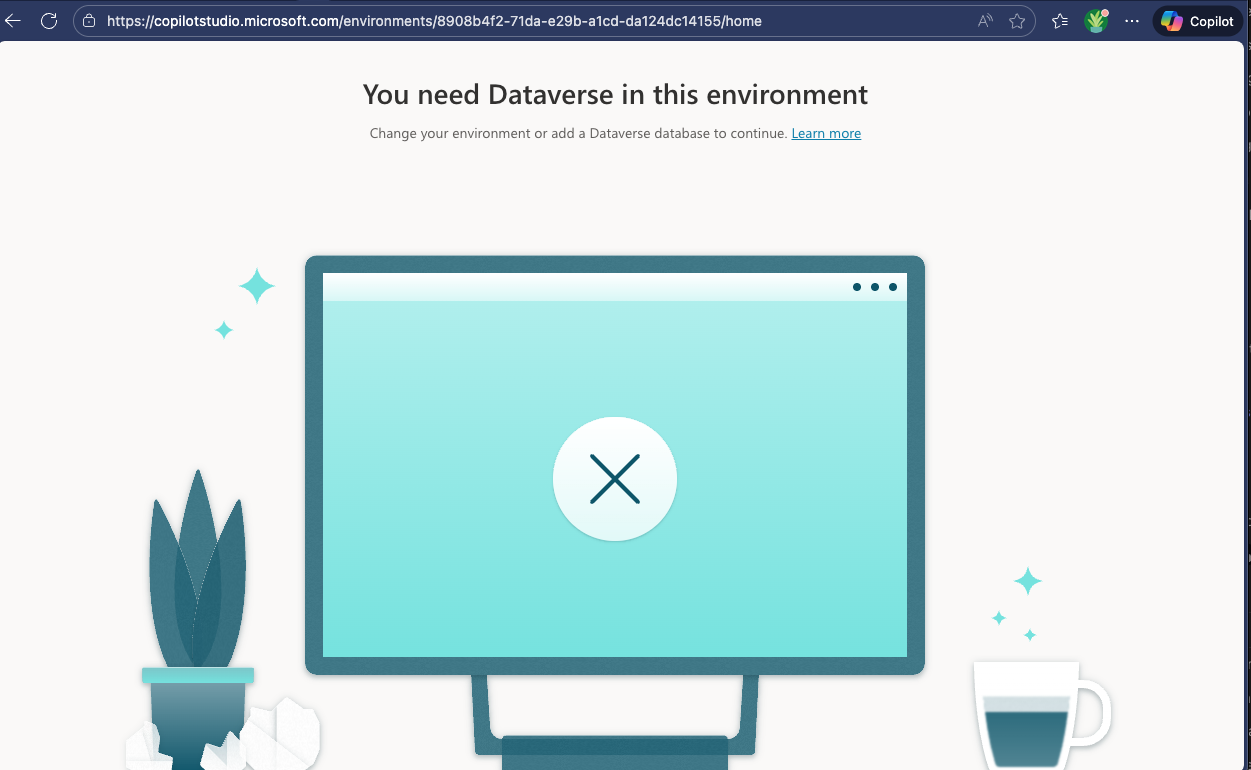
Nothing in copilot studio either.
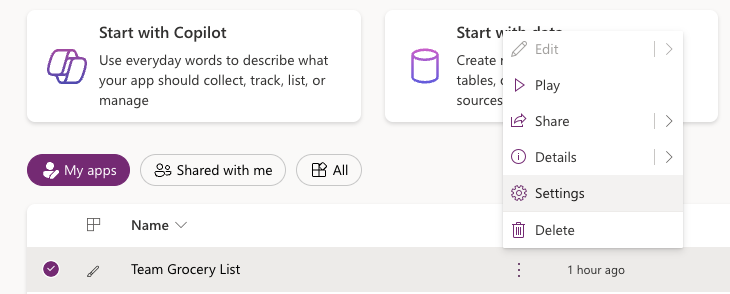
If you go to the Power Apps portal though you find all your App Builder apps under the Apps menu!
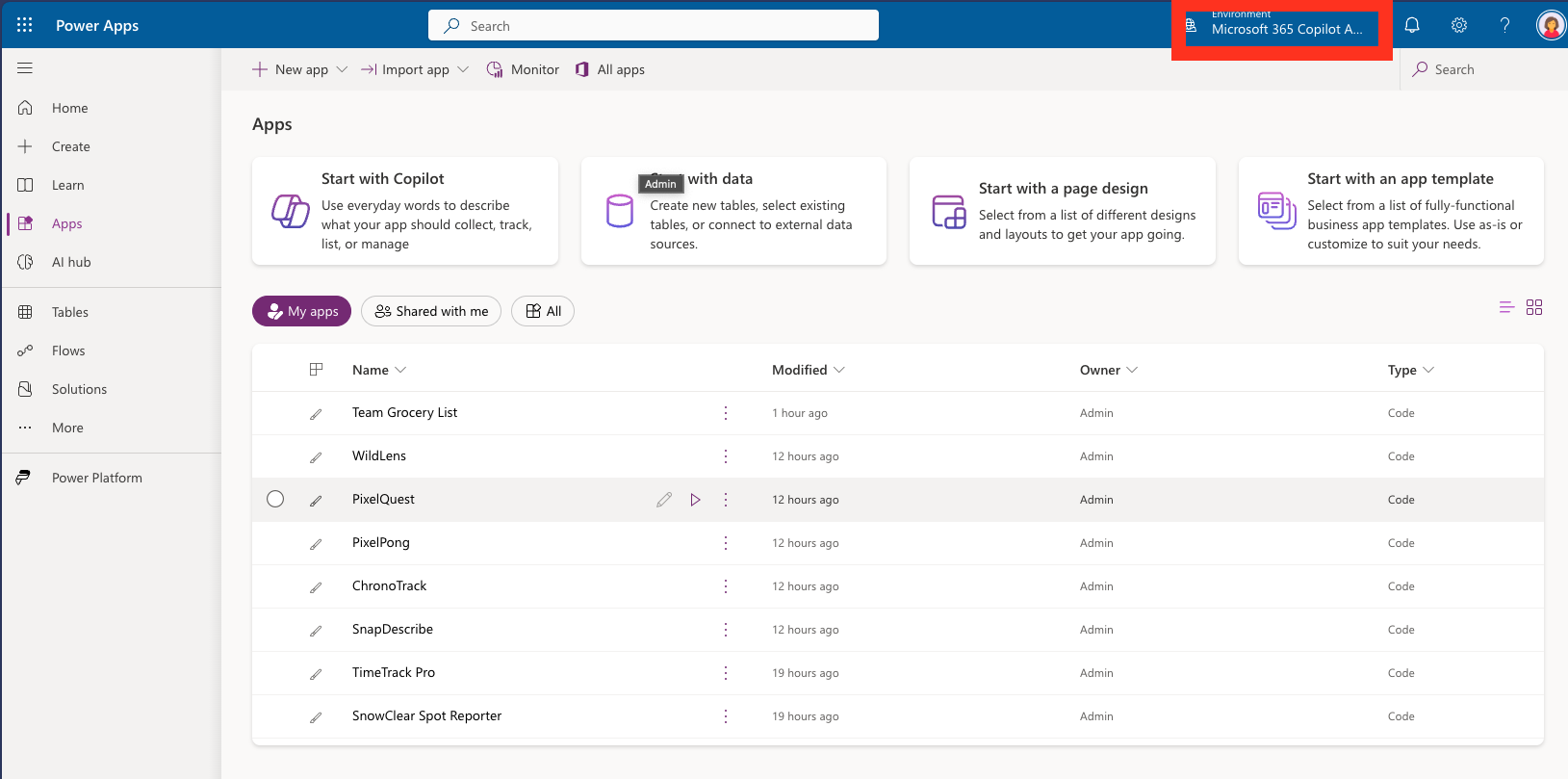
You cant edit the apps from here:
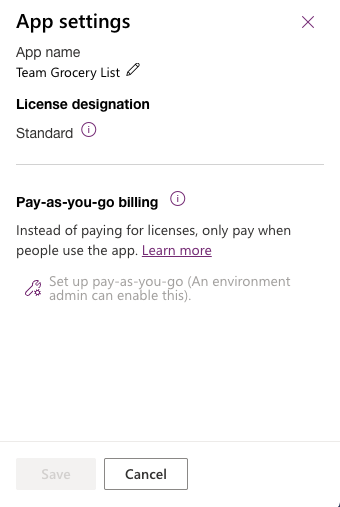
The only thing you can change in settings is the name of the app.
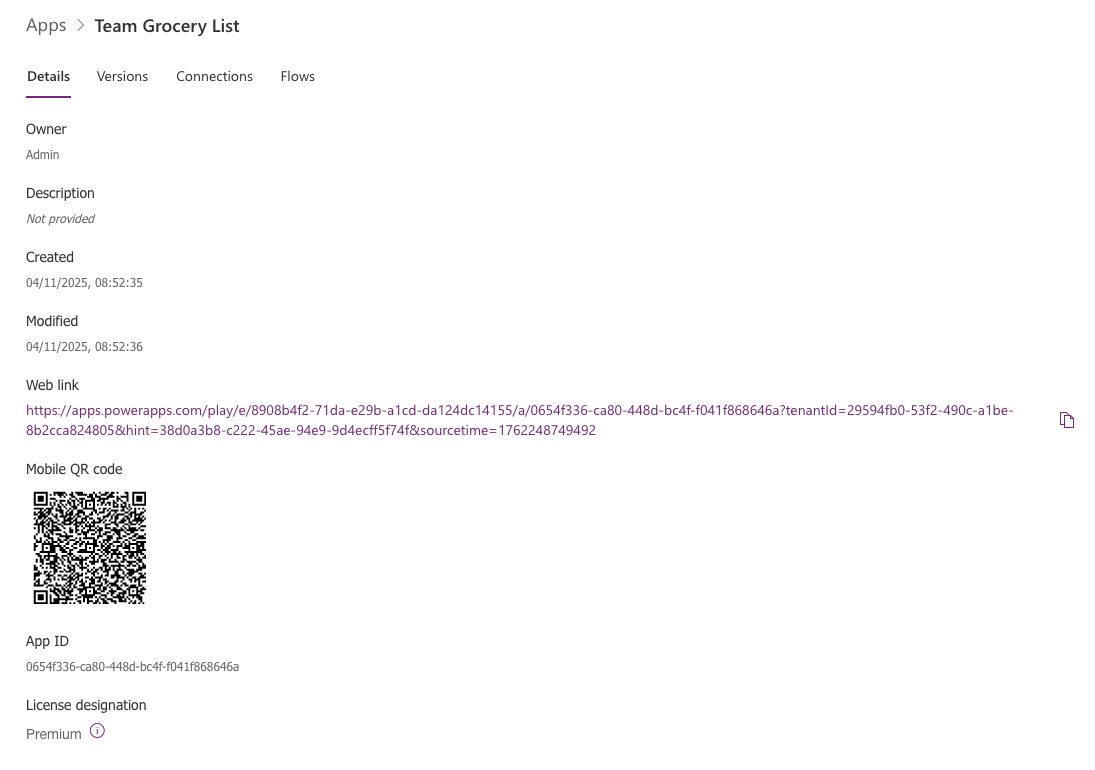
Under details you a few details.
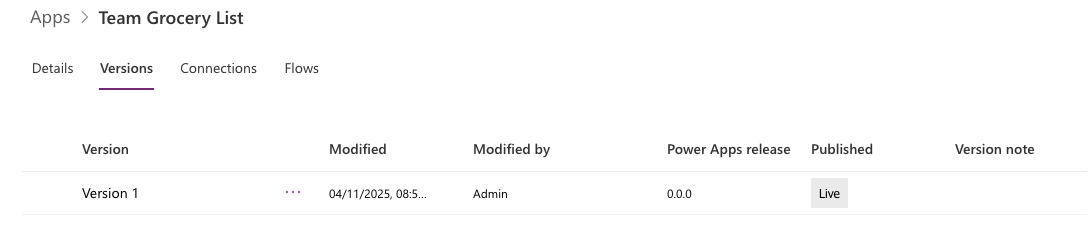
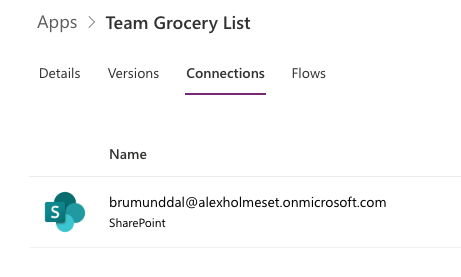
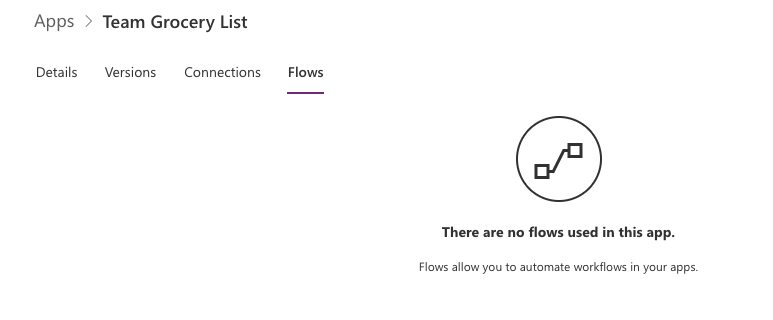
I tried to construct a edit link for the app, it works, but seems to be a blank app.
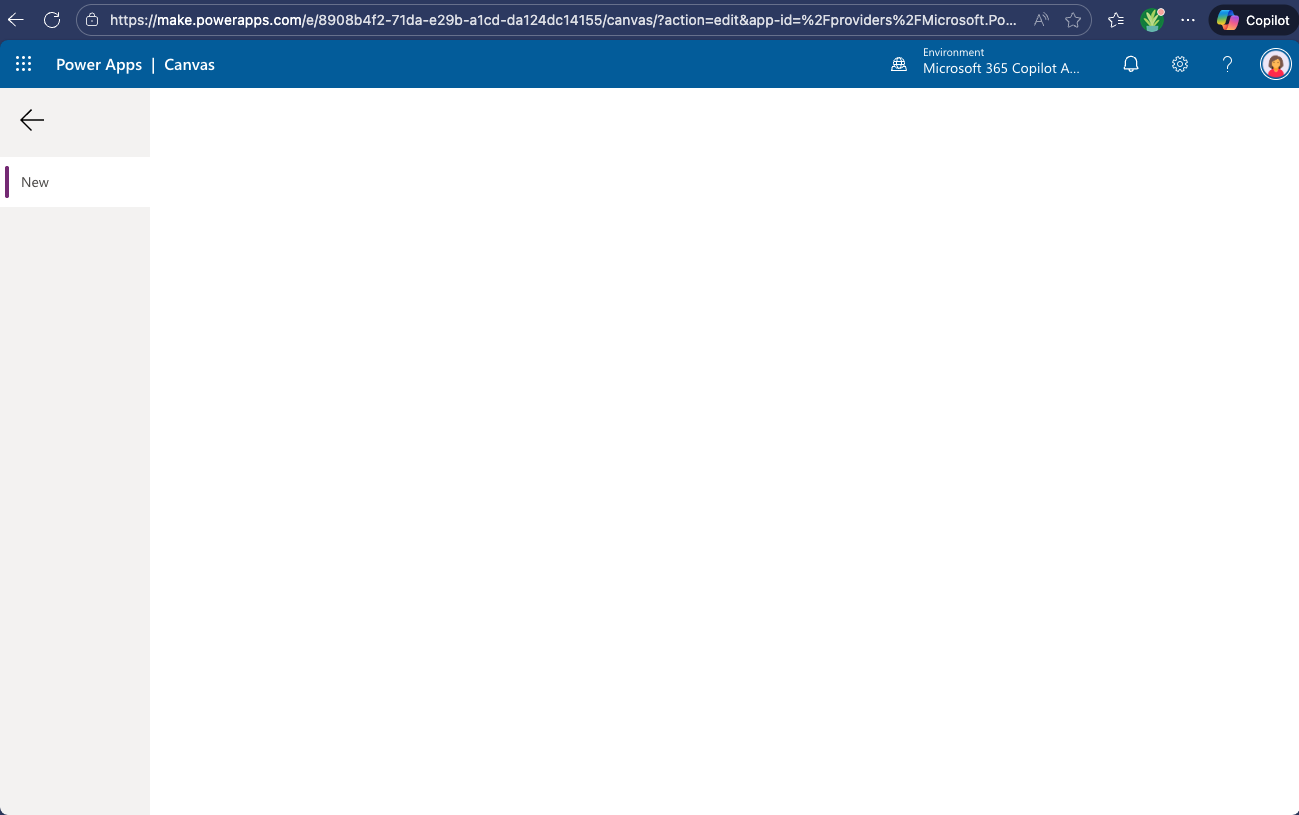
That’s all I found this time going down the rabbit hole, hope you found it useful.

 A blog about automation and technologies in the cloud