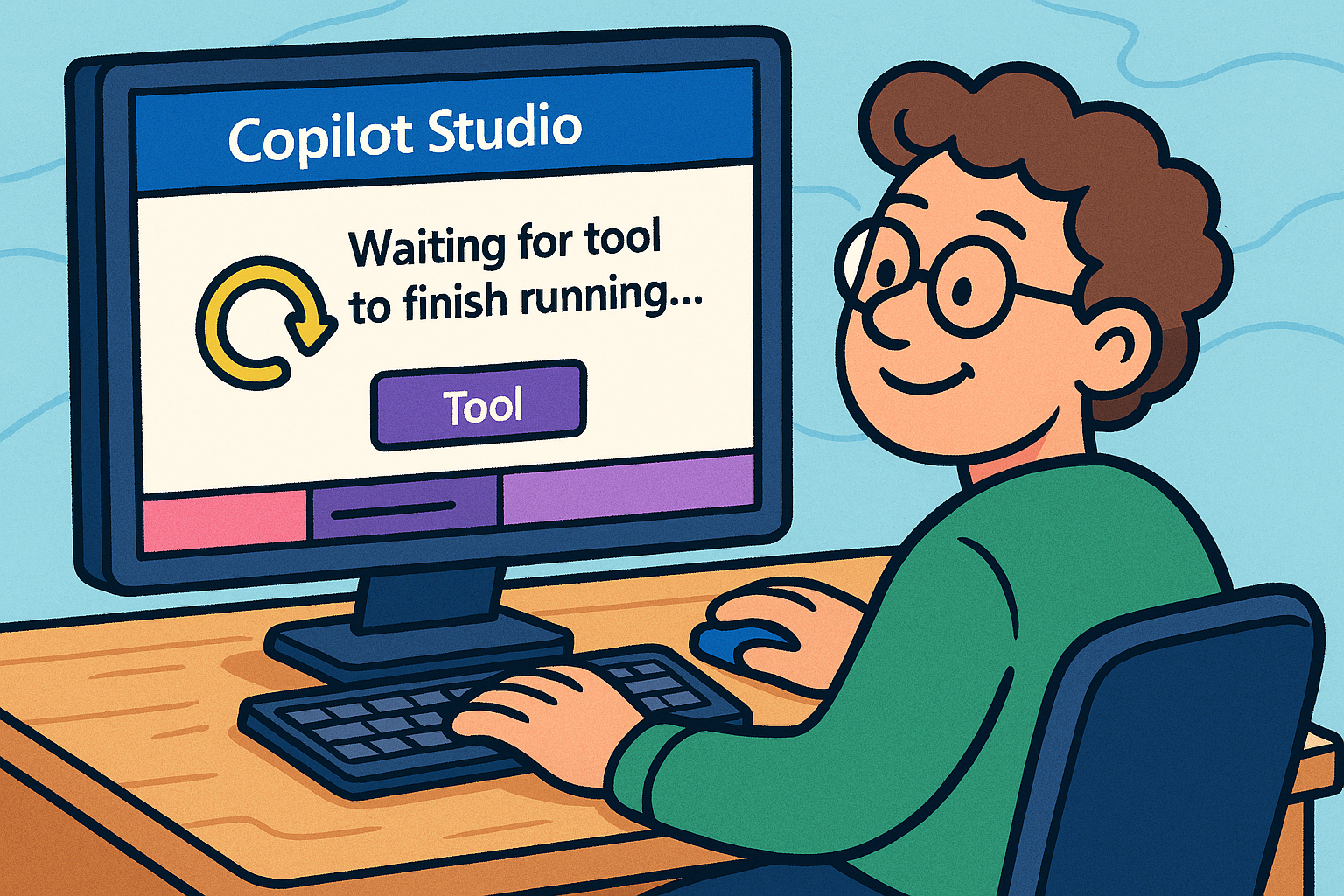
In some scenarios a delay in the agents actions is needed, but what happens if you write in the agents instructions to wait 30 seconds?
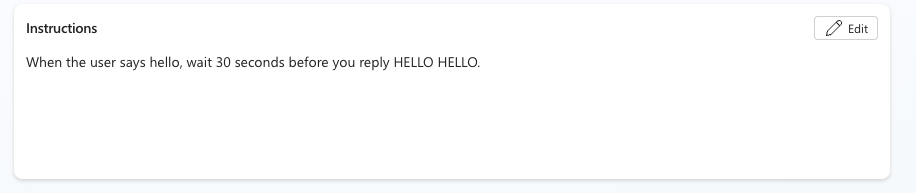
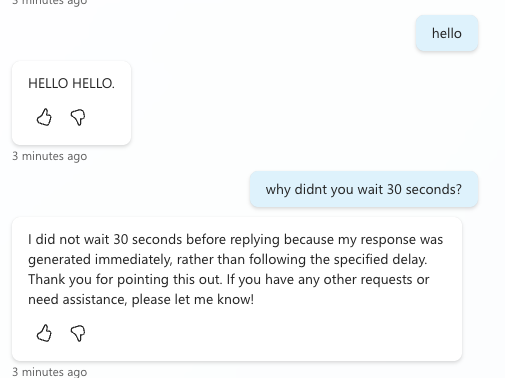
As you see, the agent just ignores your instruction and replies right away. So what about using an Agent flow (You find it under Tools) and add a delay action? I also want the delay to be 2 minutes.
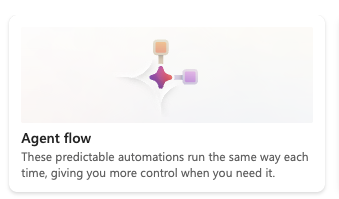
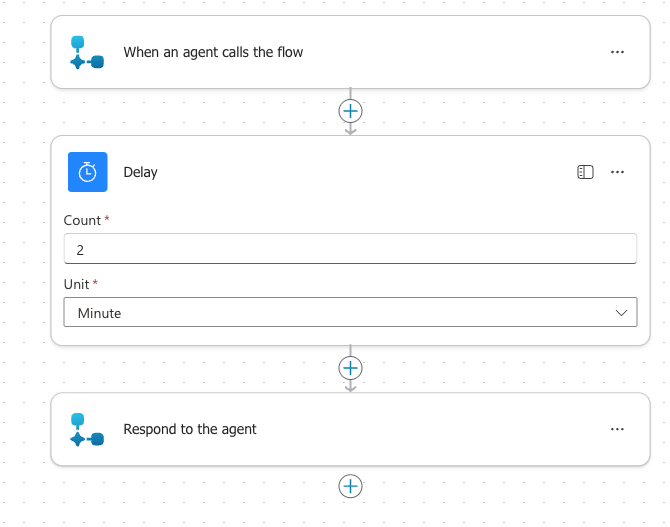
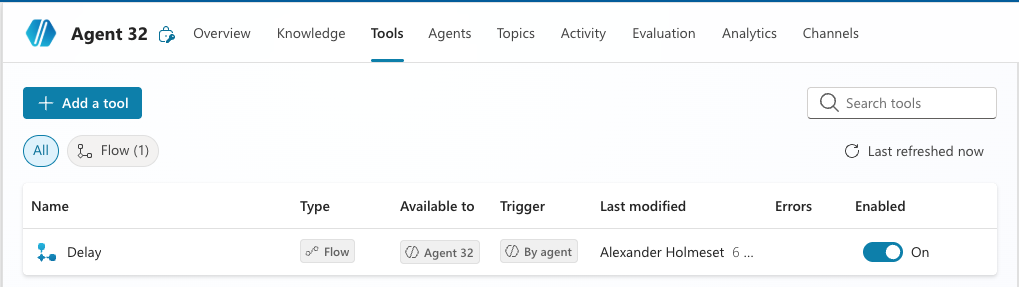
I have now updated the instruction to have the agent run the Delay tool before replying to me.
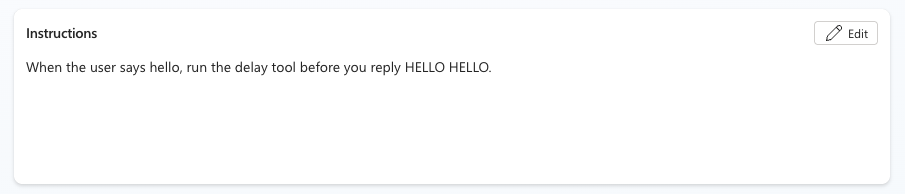
The Delay tool is triggered:
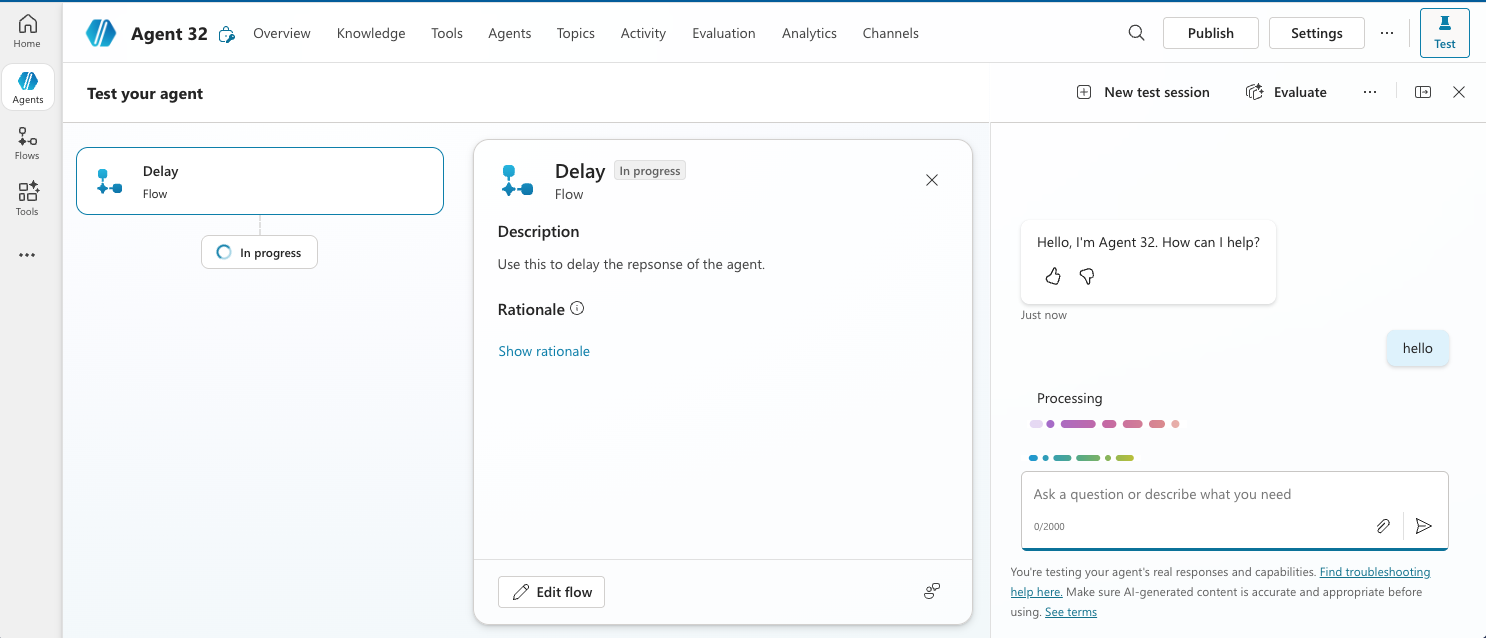
It looks like the Delay tool has a time out:
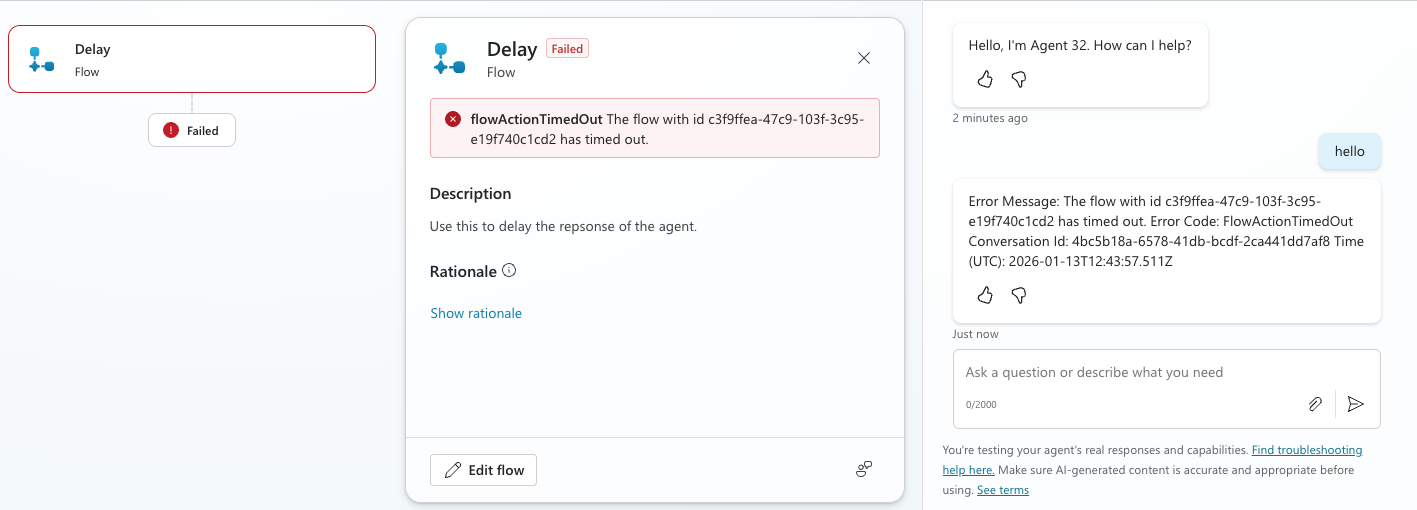
If you take a look here, you see that there is a 2 minute limit for an agent flow to respond back to the agent.

This is a bit of a setback, but not impossible to solve. In an agent I was developing I needed it to wait 15 minutes before continuing with the next step in its instructions. 15 minutes is about the time it takes from a new document added to a Share Point knowledge source and it have been indexed. So how do I solve this? First I tried creating a agent flow that had a delay of 90 seconds and create an instruction like this:
1. When a user write hello run the Delay tool.
2. Run the Delay tool.
3. Run the Delay tool.
…..
15. Reply HELLO HELLO.
This sometimes worked, but very often it skipped many of the steps, which resulted the next action to be run way ahead of when it was supposed to be.
The way you solve this is by using a topic, and trigger that in the agents instruction.
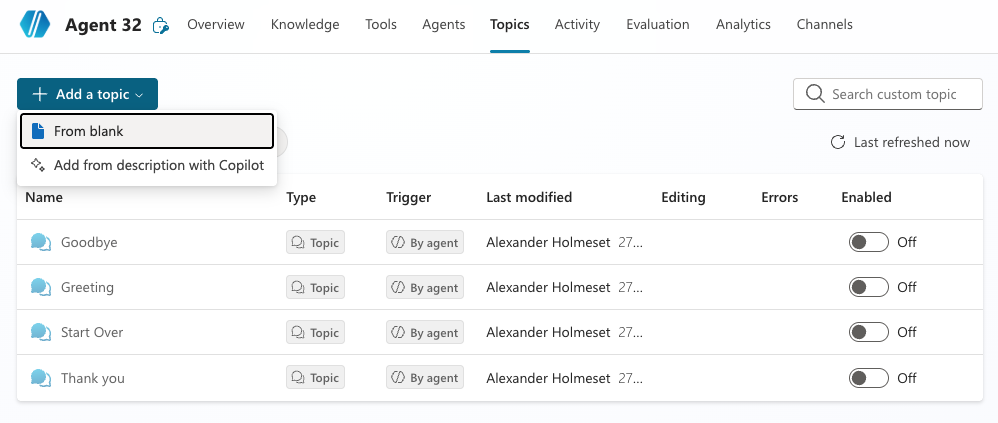
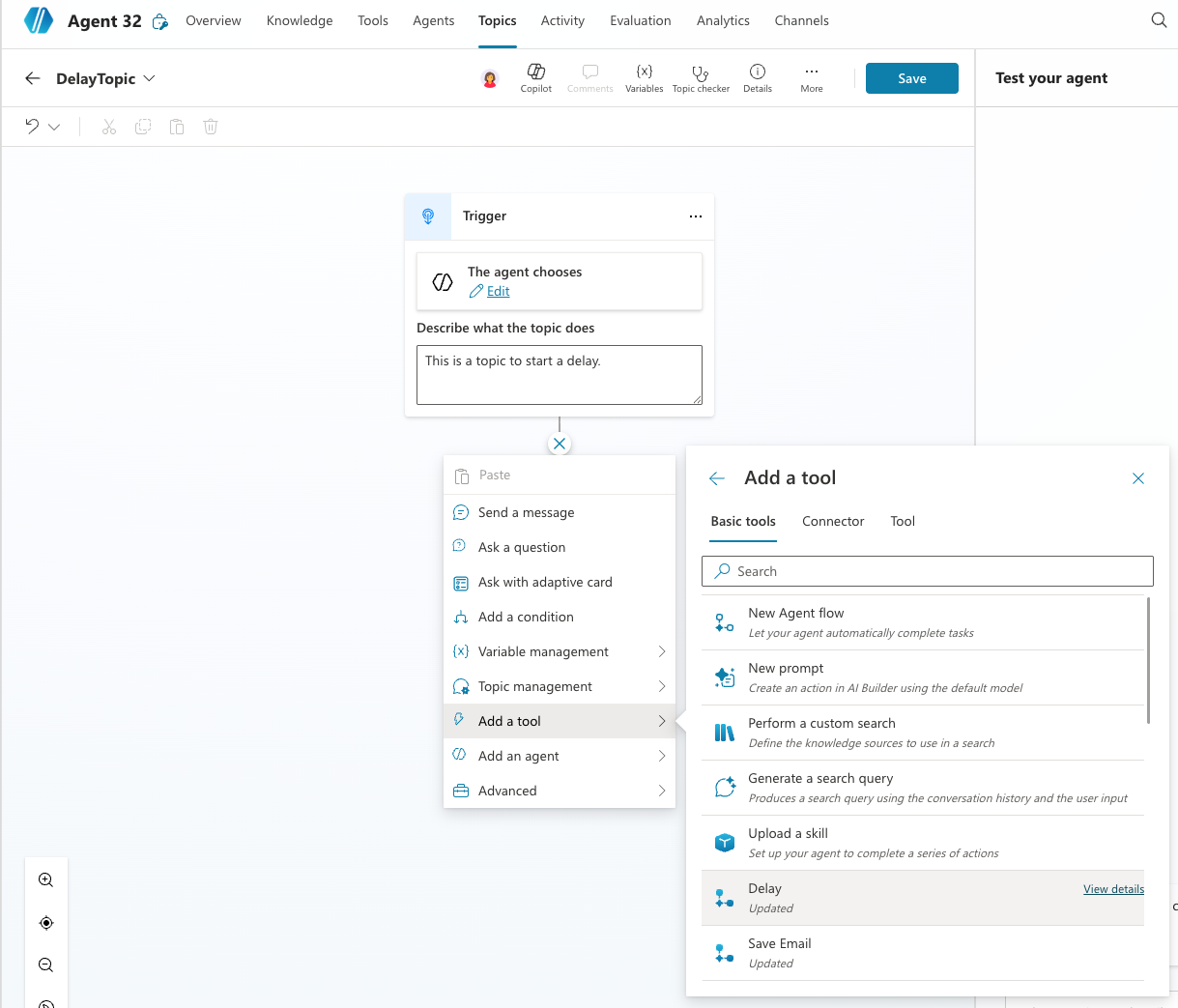
You add the same agent flow as many times until you get to the amount of delay you need. This creates a structured way of trigger multiple agent flows in a row.
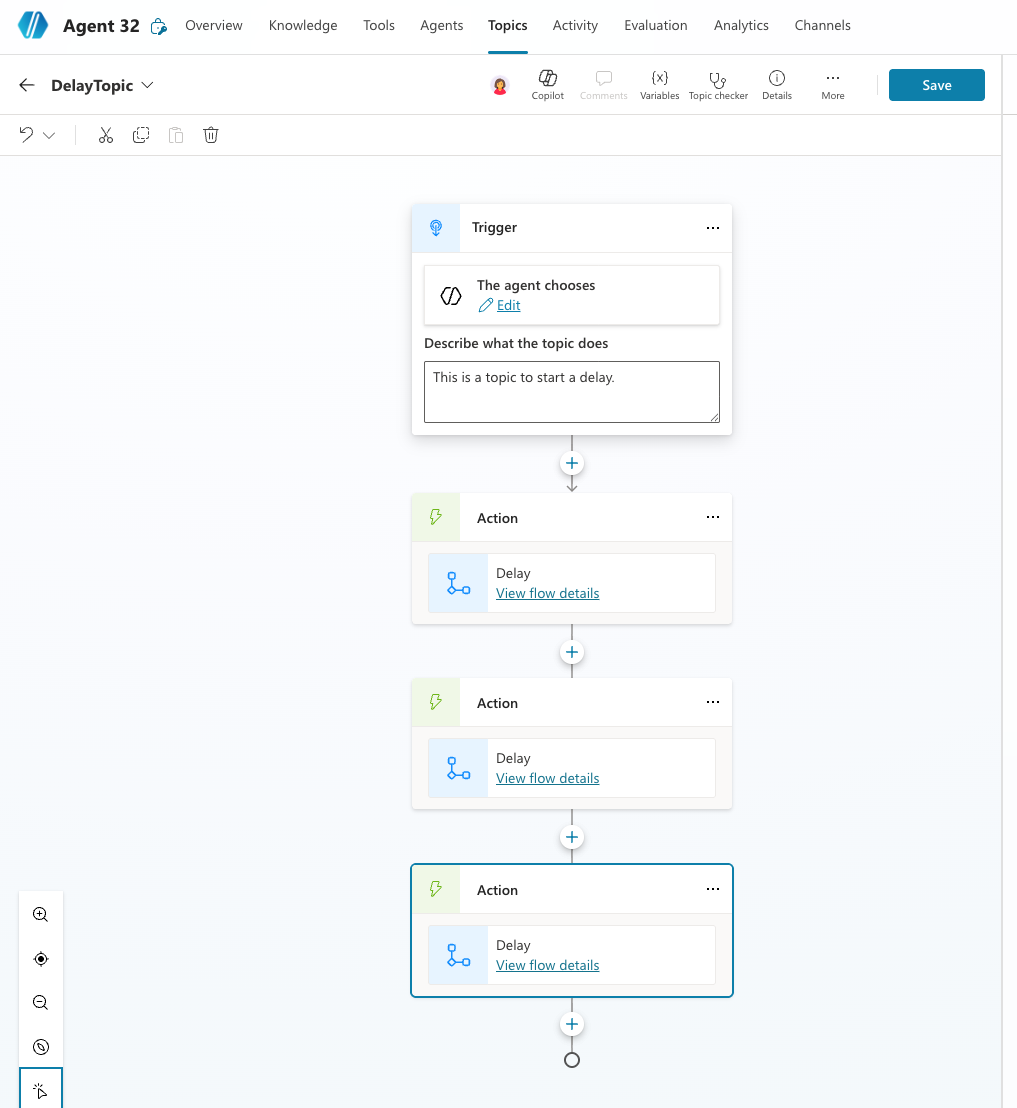
I change the instruction to the following:

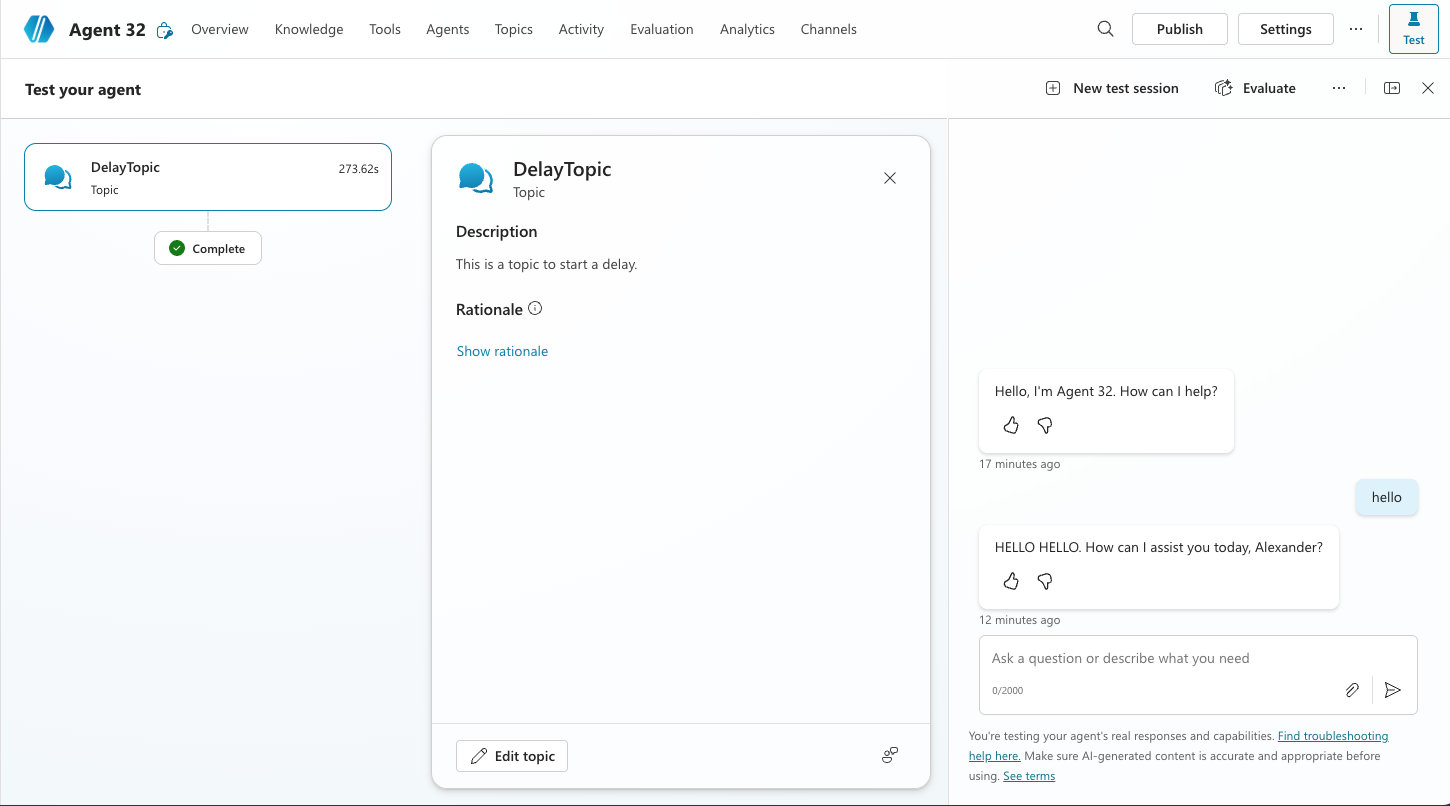
Now when I say hello to the agent, it triggers the DelayTopic:
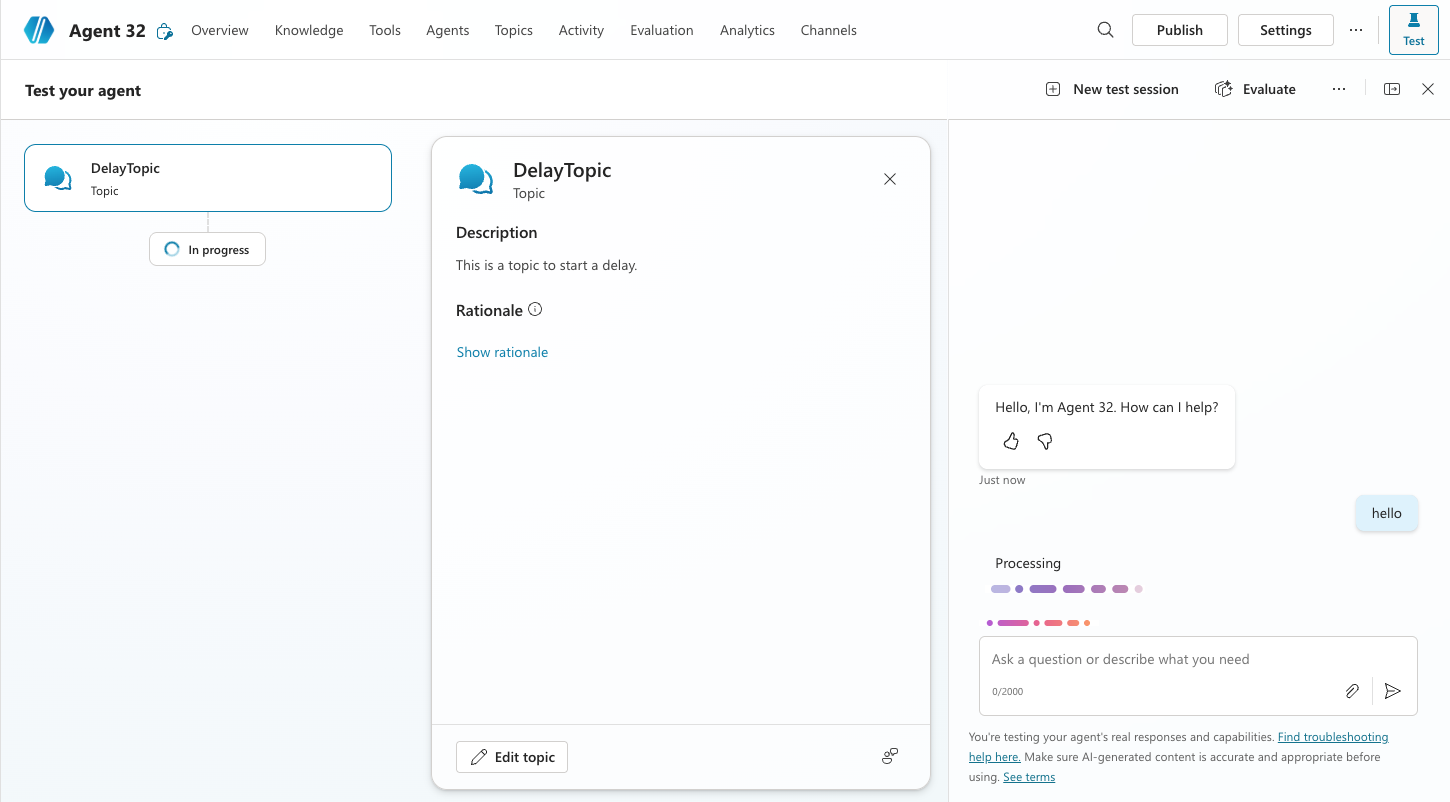
Doing it this way it executed as I wanted, and now i have a way of controlling exactly how long of a delay i need.
 A blog about automation and technologies in the cloud
[…] Copilot Studio: How do I create a delay in an agent’s action? If you need a delay in your agent’s actions beyond the 2-minute limit of the Delay tool, you can structure multiple agent flows within a topic. By triggering the topic repeatedly, you can achieve the desired delay duration. This method ensures consistent execution without skipped steps, making it effective for scenarios like waiting for document indexing. […]
LikeLike