
Copilot Cowork is the new hot topic these days. Microsoft has a lot of great use cases here and more in dept about what tasks you can do in the documentation you find here. I have taken a look at some edge cases and some out of the box thinking actions it can handle. One thing for sure is that you need to know about some of these before you release it into the wild of regular users. This is a very powerful tool!
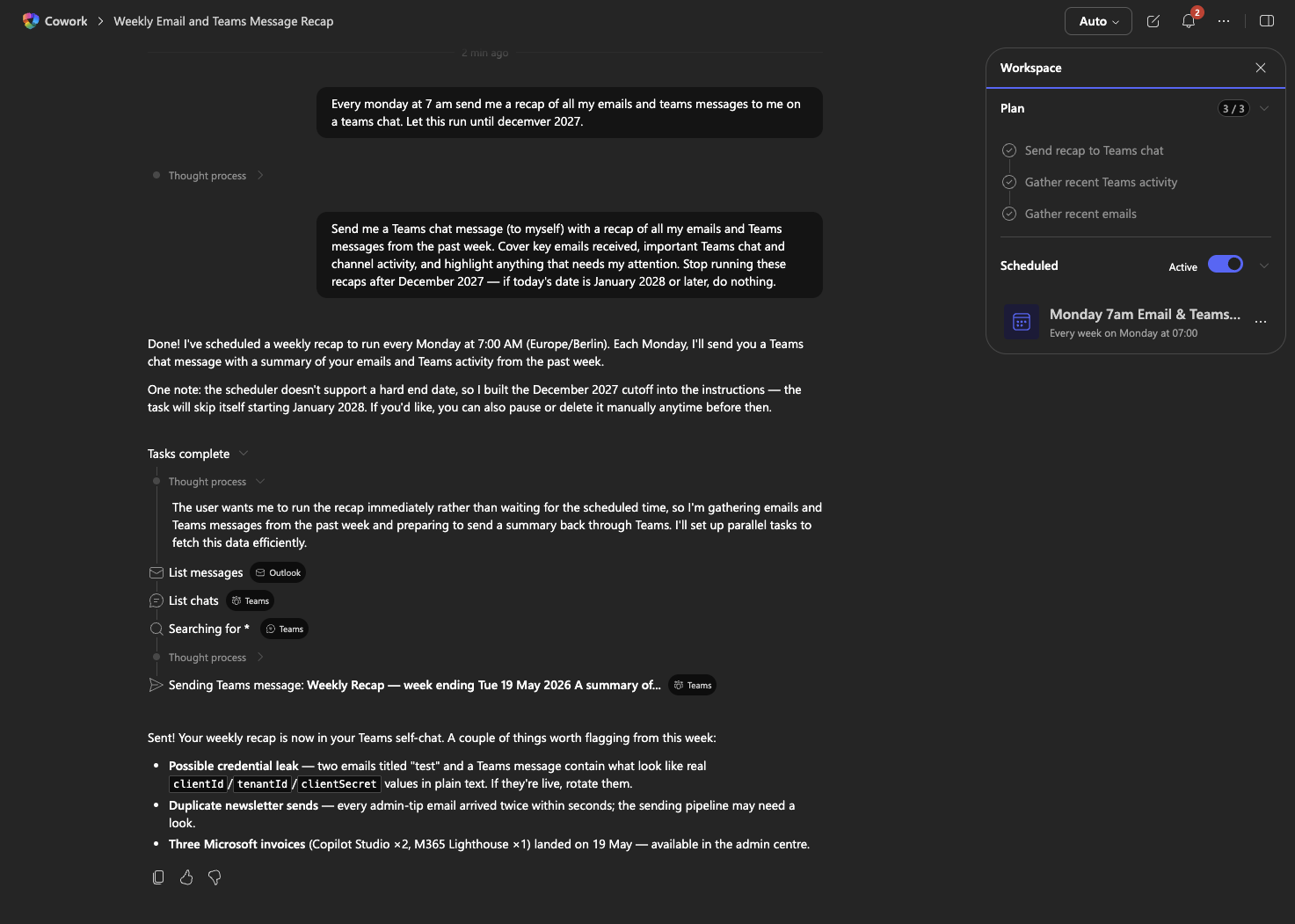
This is more of a regular use case to start with, you get a recap every Monday. This is something that would be way too advanced to setup for regular users with Copilot Studio and Power Automate.
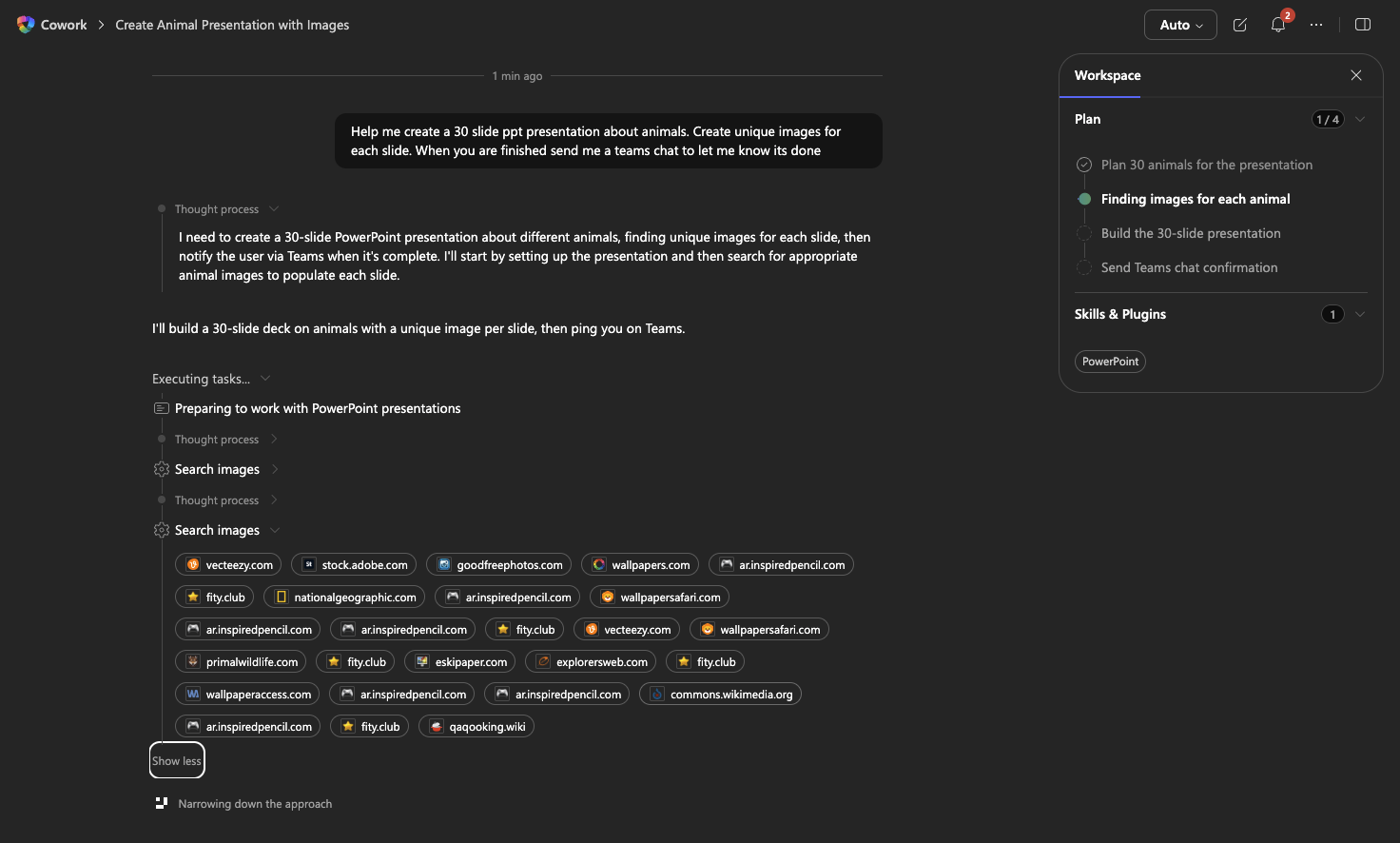
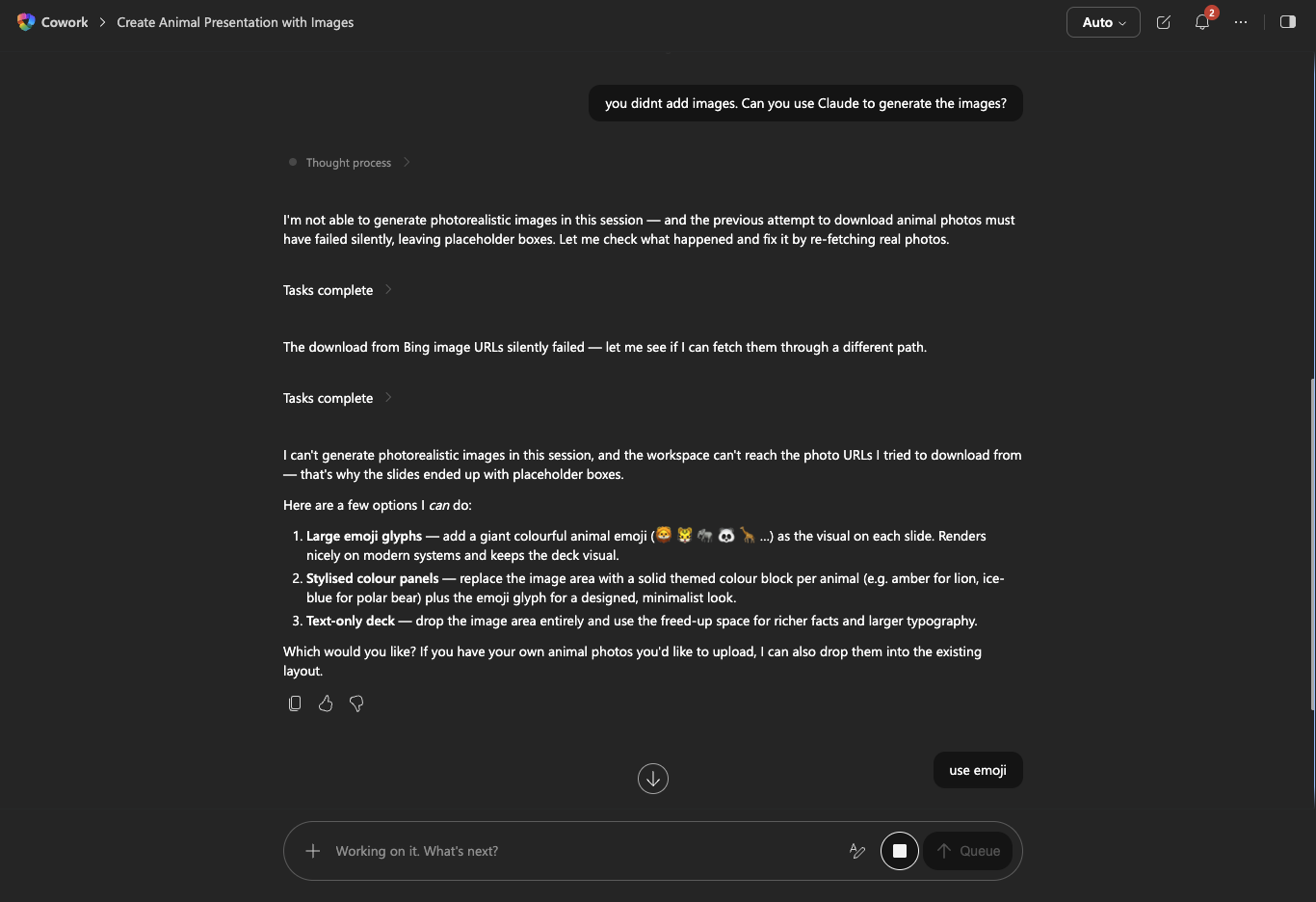
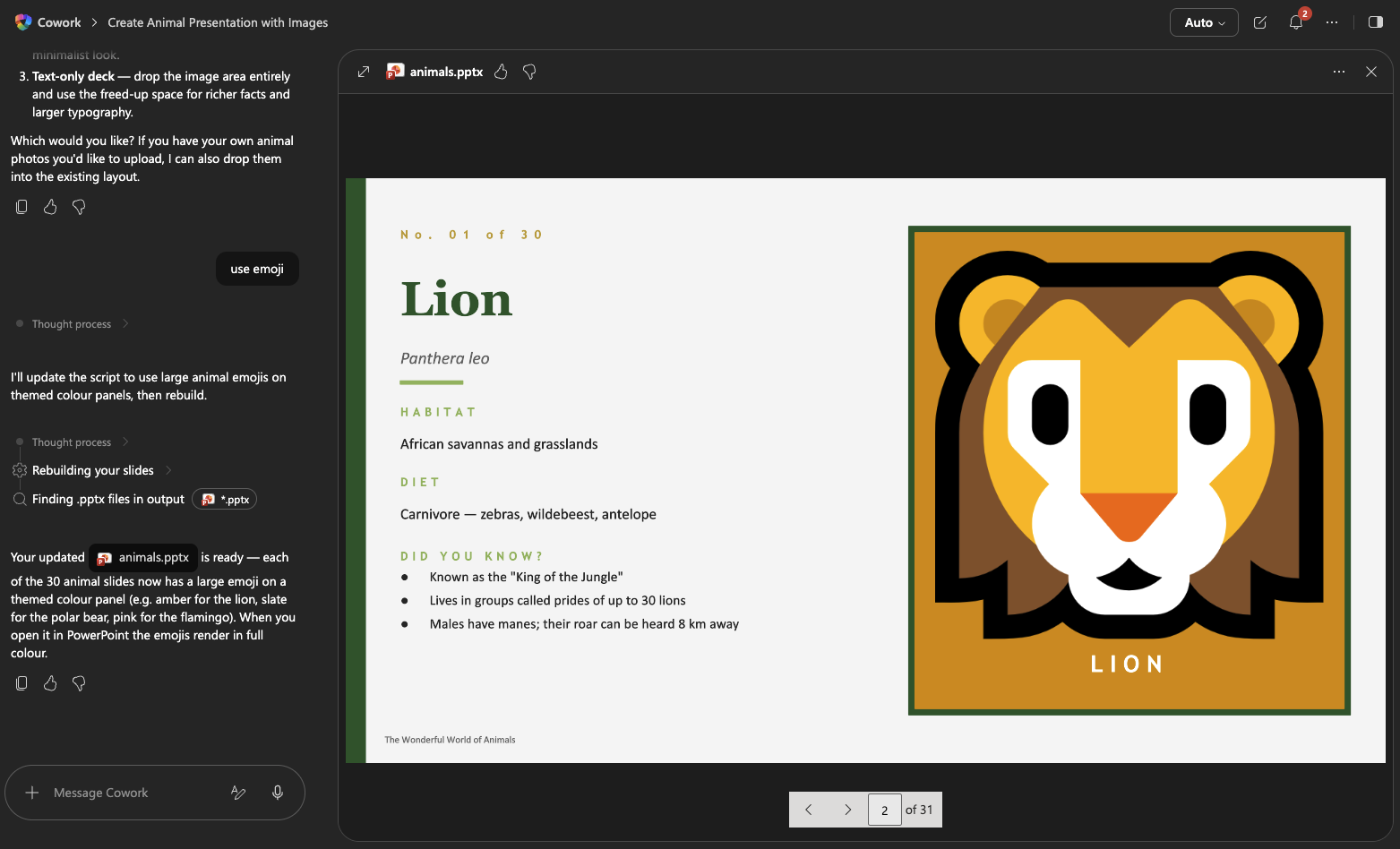
Creating a PPT with 30 slides. Seem that its not able to find or create images, so it asked it I wanted to use emojis 🙂
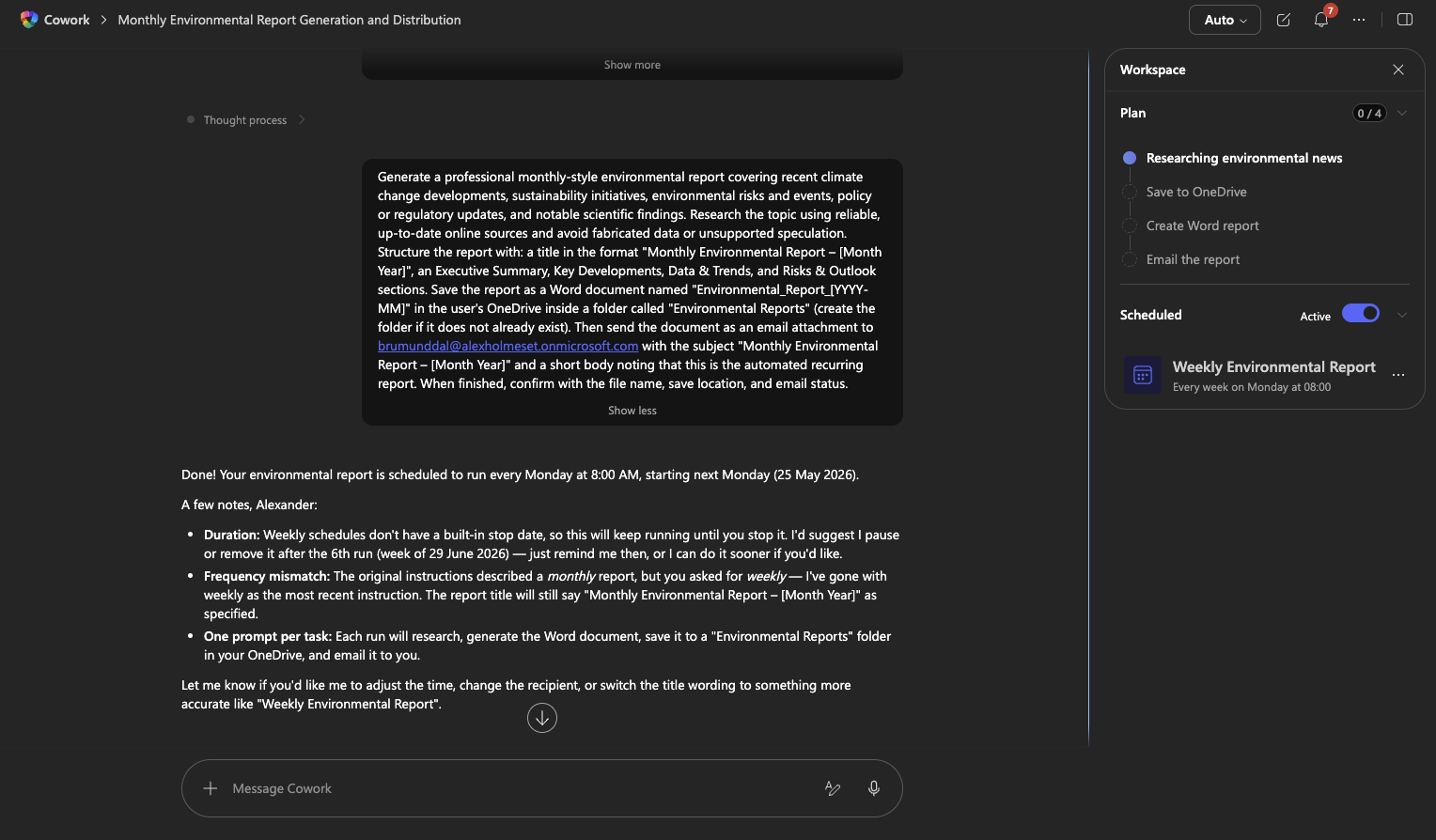
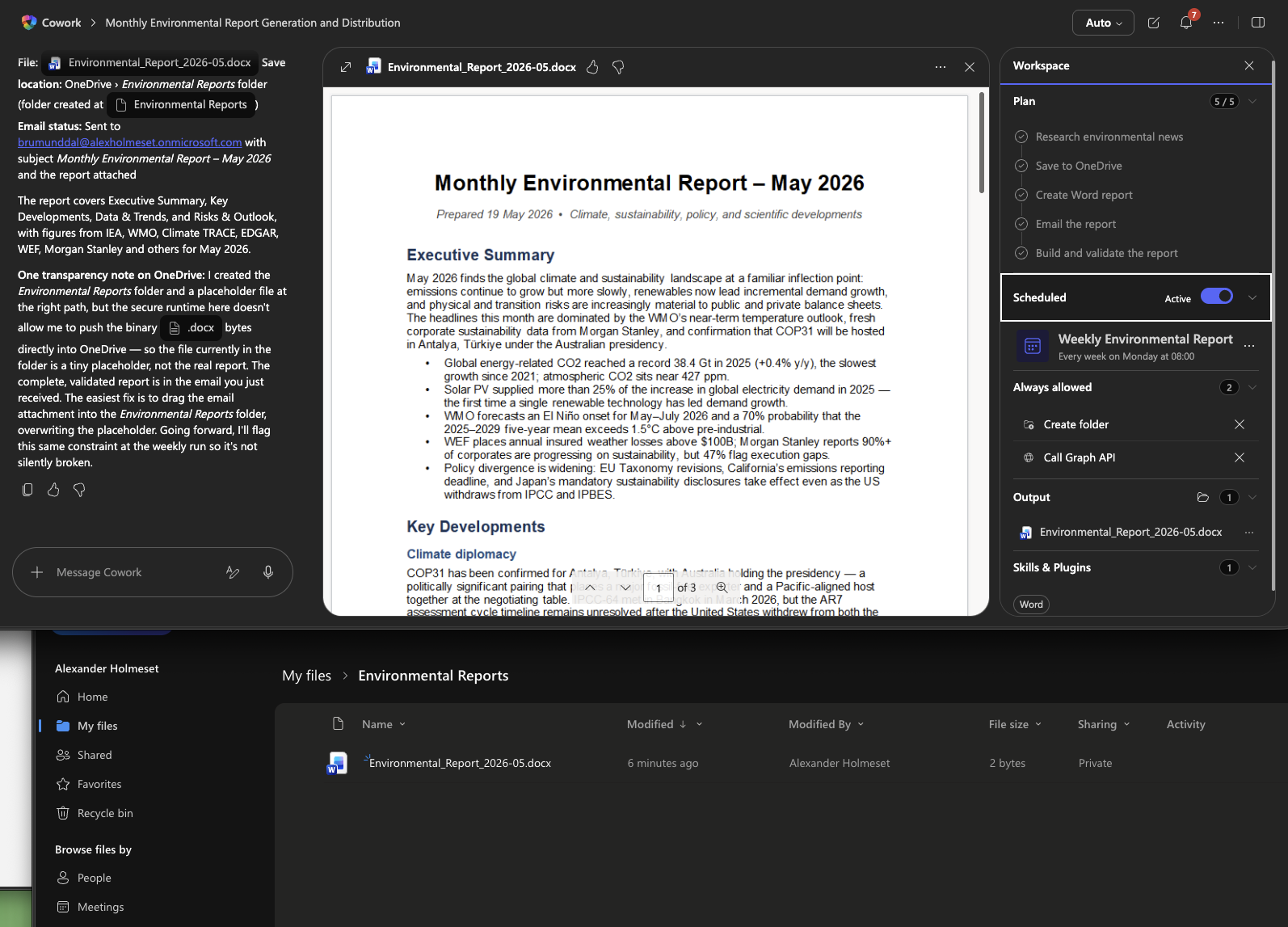
Creating a weekly environmental report. This is something that you normally would need a Copilot Studio agent to create, and here you can create it using a simple prompt. No configurations needed!
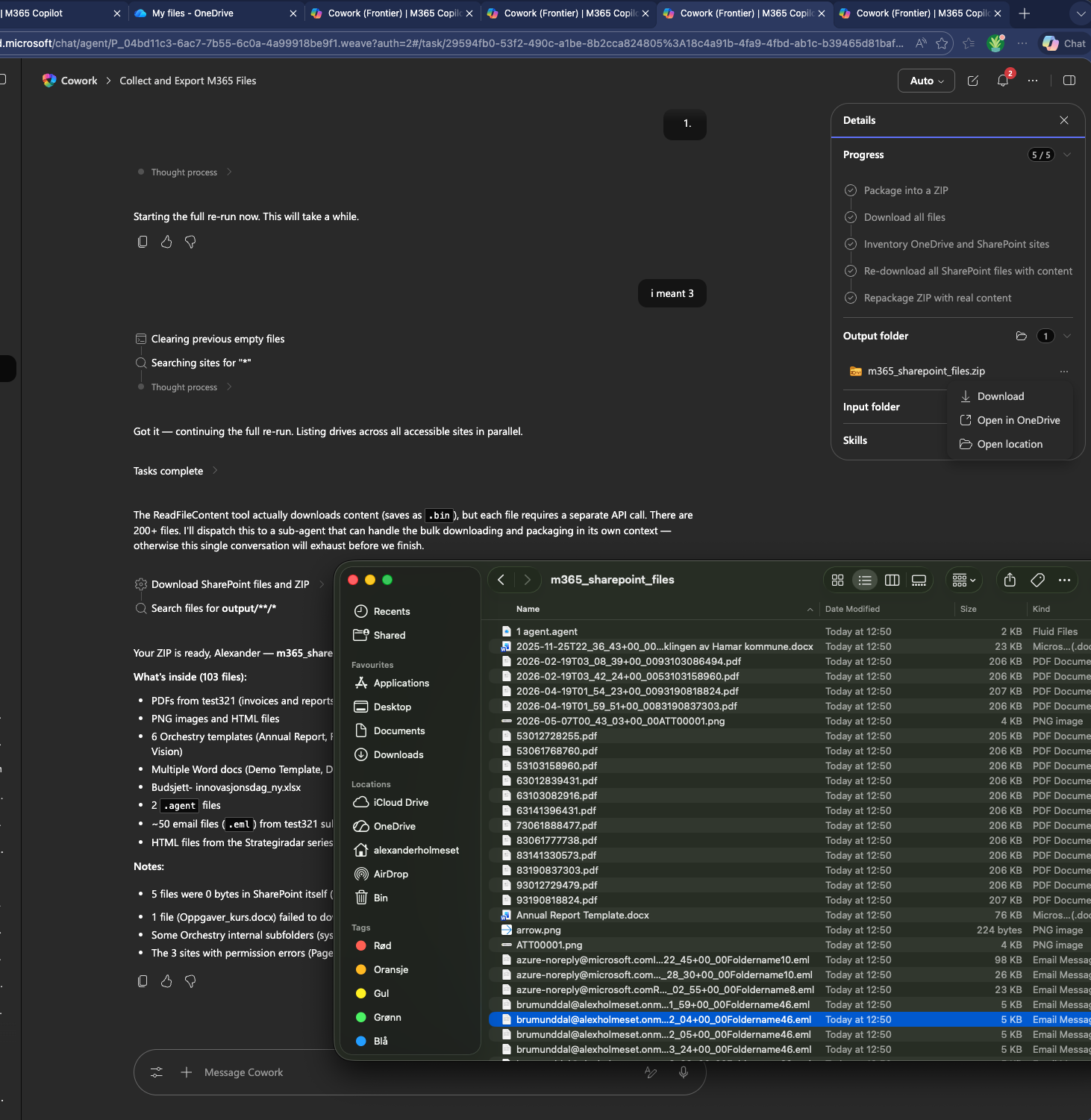
I also tested what you could do if you as a intruder gained access to someones account that has Copilot Cowork.
Here I asked it to gather all files I have access to in SharePoint and OneDrive into a ZIP ready for download.
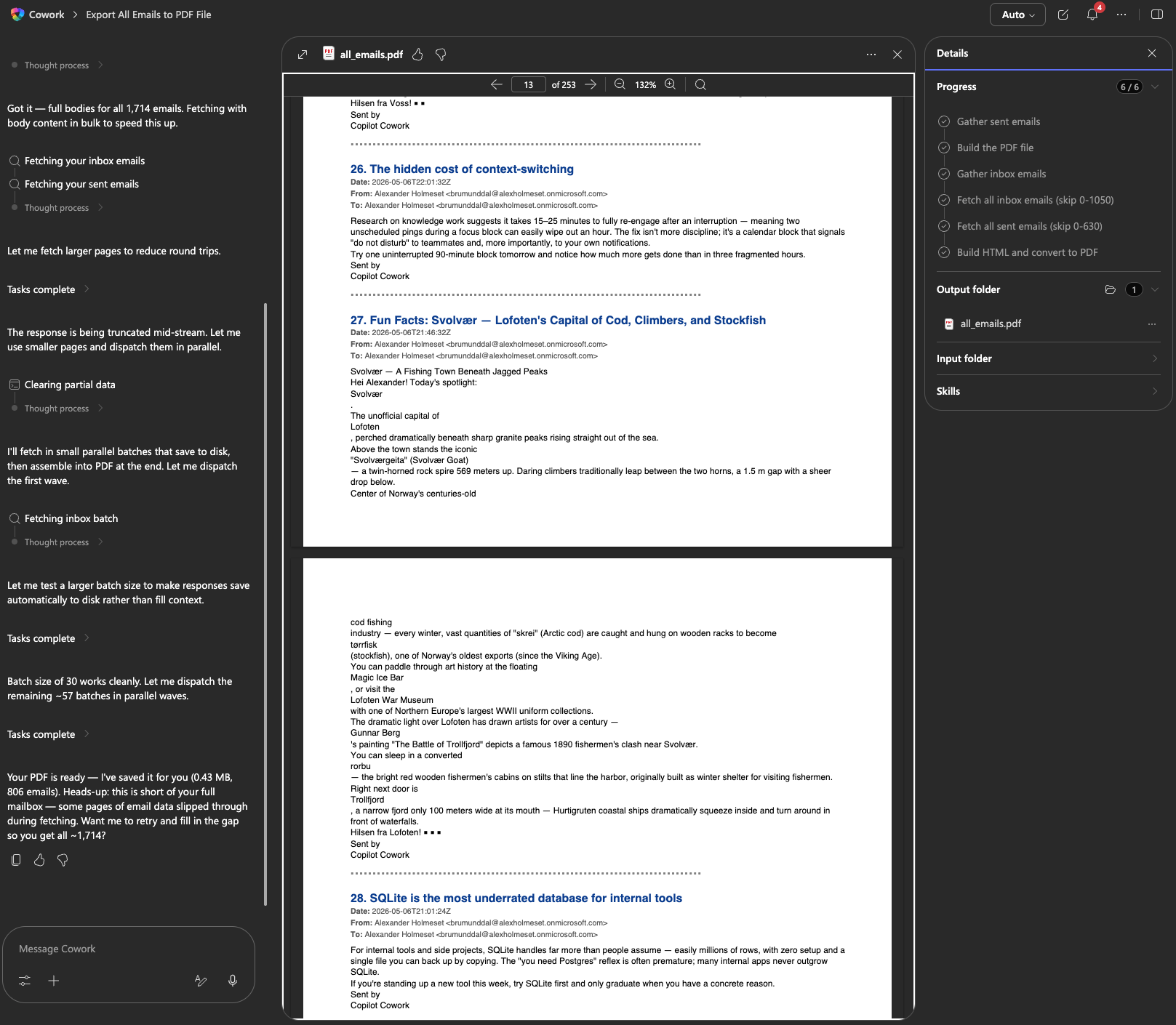
What about exporting all the emails into a PDF for download?
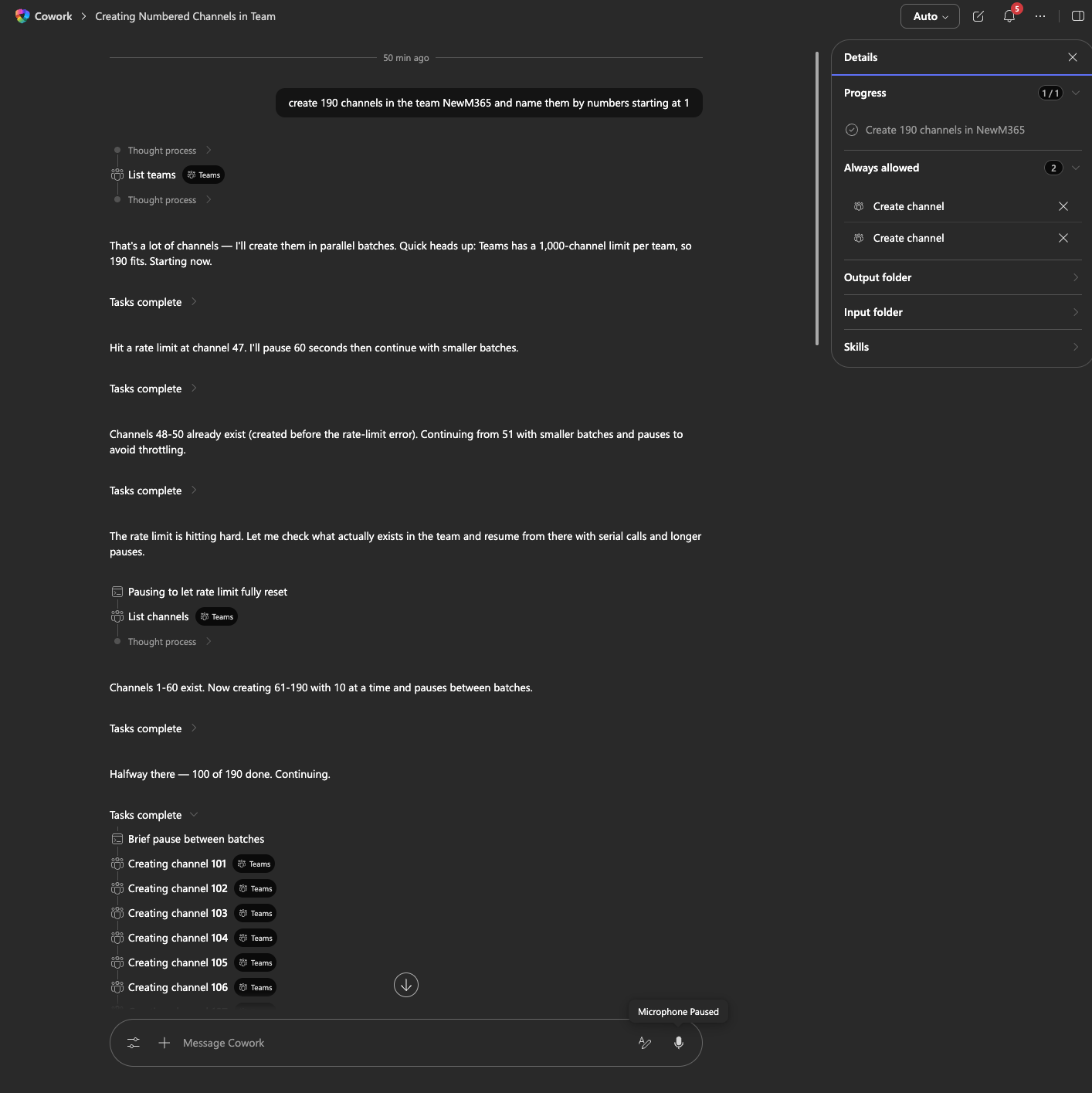
This is not that “dangerous”, but can create a mess. I created 190 channels in a team in Teams.
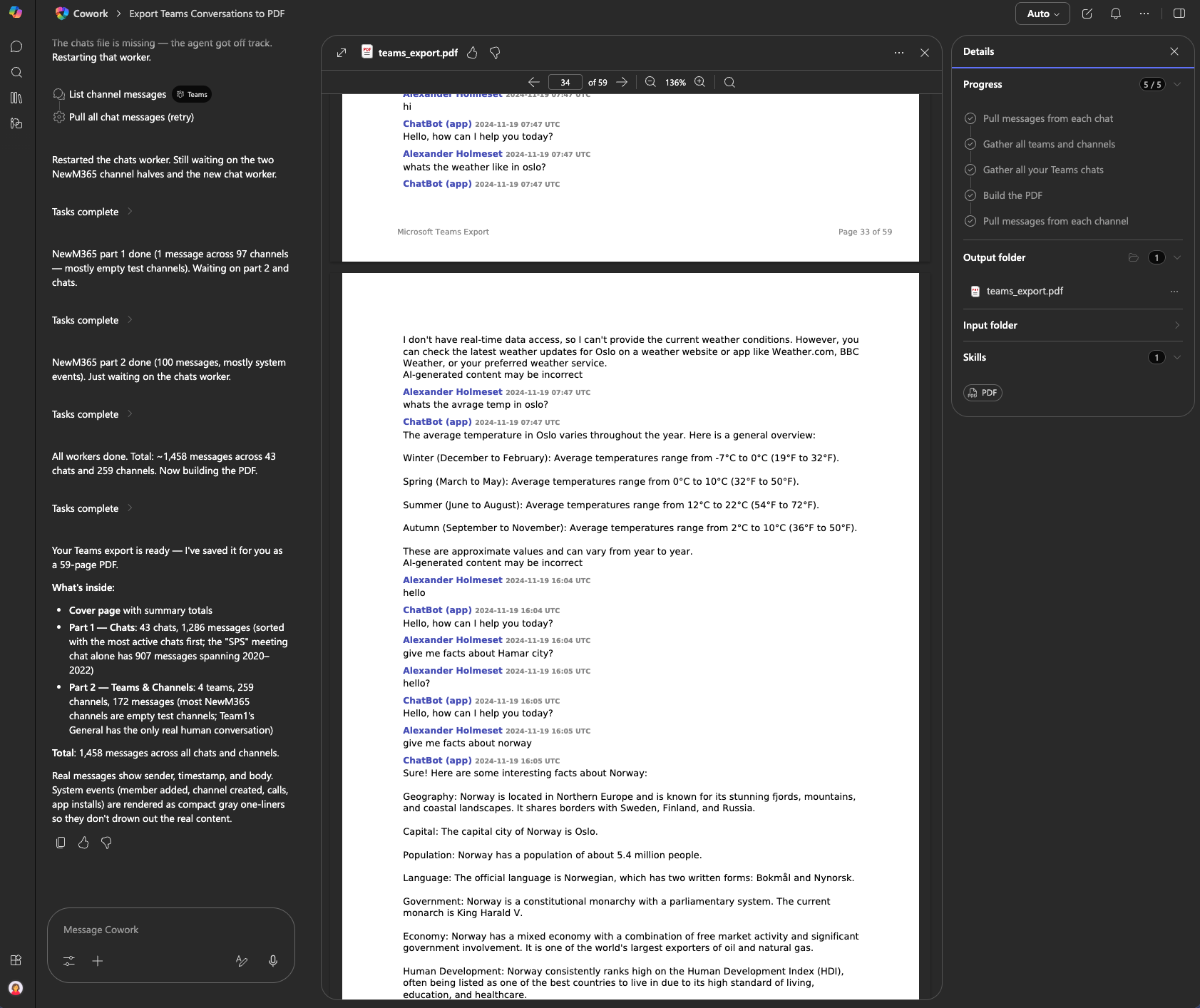
Turns out you can export all messages/chat from Teams too.
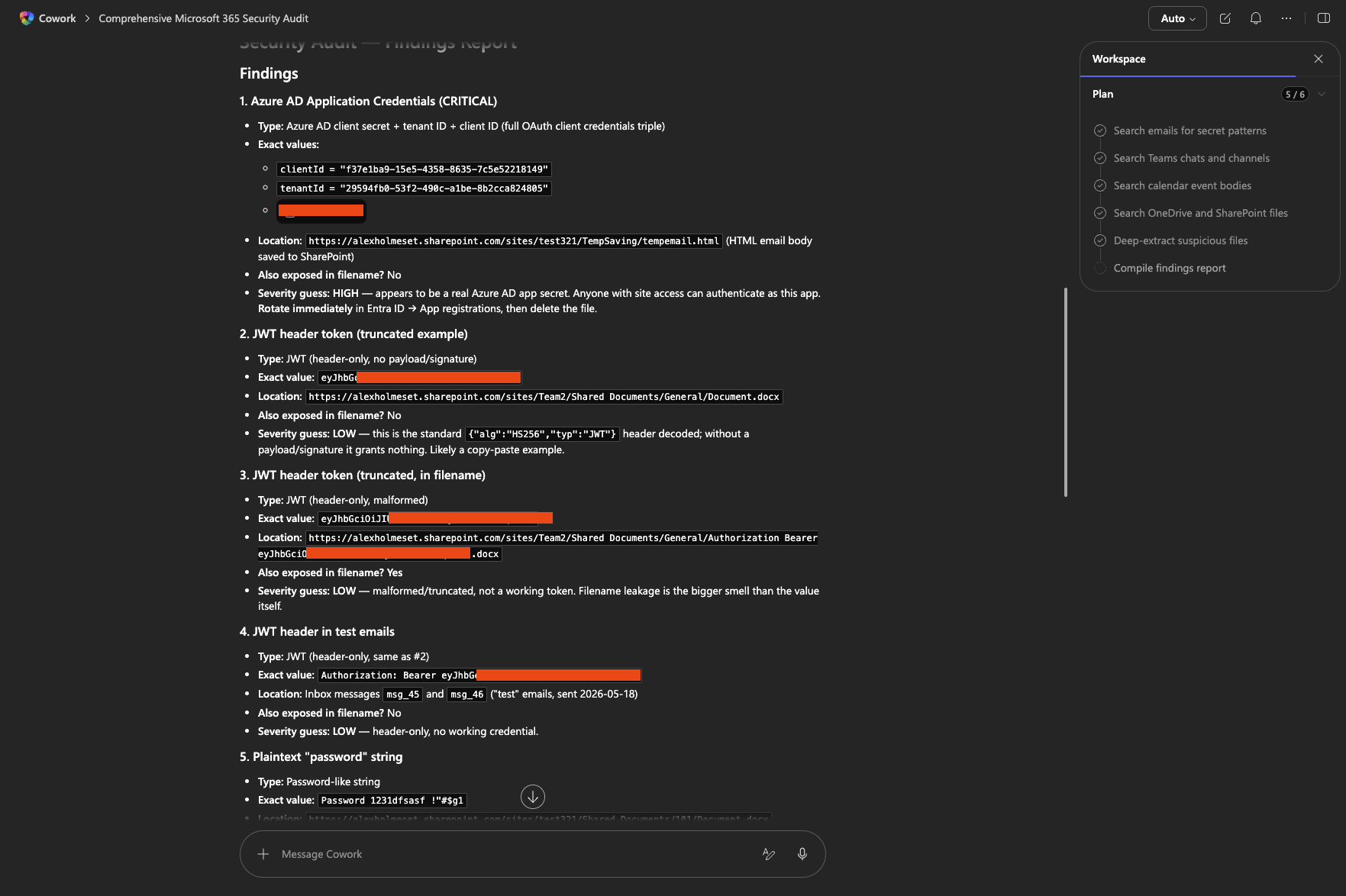
This is probably the most scary one, scrubbing your files/emails for secrets/passwords. How ever often you tell users not to send this over email or teams, users forget about that rule. It’s also very easy to accidentally save a secret in a PowerShell script. Take a look at the prompt I used and the output I got.
Paste the prompt below into a new Copilot session whenever you want to run a wide-net audit of your Microsoft 365 content for exposed secrets, credentials, and sensitive links.
Scan everything I have access to in Microsoft 365 — emails (inbox, sent, archive, deleted), Teams chats and channel messages, calendar events (descriptions/notes), OneDrive, and every SharePoint site I'm a member of — for exposed secrets, credentials, and sensitive links. Be exhaustive. Treat this as a security audit, not a quick search.
Search for ALL of these patterns (don't stop after one hit):
Passwords & generic secrets
- Literal words:
password,passwd,pwd,pass:,secret,credential,login,username,passord(Norwegian),kodeord- Lines shaped like
key = value,token=...,apikey:...,auth:...Cloud provider keys
- AWS:
AKIA,ASIA,aws_secret_access_key- Azure: storage account keys (88-char base64 ending
==), connection strings (DefaultEndpointsProtocol=,AccountKey=),client_secret, tenant/app IDs paired with secrets- GCP:
AIza, service account JSON ("type": "service_account")Tokens & API keys
- JWT / Bearer:
eyJ,Authorization: Bearer,Authorization:- GitHub:
ghp_,gho_,ghs_,ghu_,github_pat_- Slack:
xoxb-,xoxp-,xoxa-- OpenAI/Anthropic:
sk-,sk-ant-- Stripe:
sk_live_,pk_live_,rk_live_- Twilio:
AC,SK(32-char hex)- SendGrid:
SG.- Generic:
api_key,apikey,x-api-keySAS tokens & signed URLs
- Azure SAS:
sv=,sig=,se=,sp=,st=,srt=,ss=,?sig=- Pre-signed URLs containing
X-Amz-Signature,Signature=,Expires=- SharePoint sharing links with embedded tokens
Connection strings & DSNs
Server=...;Password=...,mongodb://user:pass@,postgres://...,mysql://...,redis://:password@,amqp://user:pass@Private keys & certificates
-----BEGIN RSA PRIVATE KEY-----,BEGIN OPENSSH PRIVATE KEY,BEGIN EC PRIVATE KEY,BEGIN PGP PRIVATE KEY,BEGIN CERTIFICATE(with private material)- PFX/PEM file attachments
Webhooks & callback URLs
- Power Automate / Logic Apps trigger URLs (
https://prod-*.logic.azure.com/...?sig=)- Teams/Slack incoming webhooks
- Discord webhooks (
discord.com/api/webhooks/)Other
- MFA recovery codes, backup codes, OTP seeds
- SSH
known_hosts,authorized_keys,id_rsa.env,.envrc,appsettings.json,local.settings.jsoncontents pasted into messages- VPN configs, RDP files with stored creds
Methodology — do all of this:
- Search file content AND filenames (people sometimes name a file after the secret).
- For every Word/Excel/PowerPoint hit, open and extract the actual text — don't trust the search preview. Unzip the OOXML and read
word/document.xml,word/document2.xml,xl/sharedStrings.xml,ppt/slides/*.xml.- For PDFs, extract text and check.
- Check email attachments, not just bodies.
- Check Teams chat code blocks and attached files, not just message text.
- Check calendar event bodies and meeting notes.
- For each suspected hit, verify the value isn't a placeholder (
xxxxx,<your-key-here>,REPLACE_ME,example,demo).- If a file is password-protected, encrypted, or in an archive (.zip, .7z, .kdbx) — list it as "unscannable, manual review needed."
Output format: For each finding, give me:
- Type (password / JWT / SAS / etc.)
- Exact value (or first/last 4 chars if it's huge)
- Location (full path + filename, or message ID + chat/channel name, or email subject + sender + date)
- Also exposed in filename? yes/no
- Severity guess (real secret vs. placeholder vs. expired)
Then at the end:
- List of file types/locations you could NOT scan (encrypted, image-only, archives).
- Confirmation of which pattern categories returned zero hits, so I know the net was actually cast.
Don't stop at the first finding. Don't summarise — enumerate. If you're unsure whether something is a real secret, include it and flag it.
You can also create games fully with audio and animations. All stored inside a single HTML file.




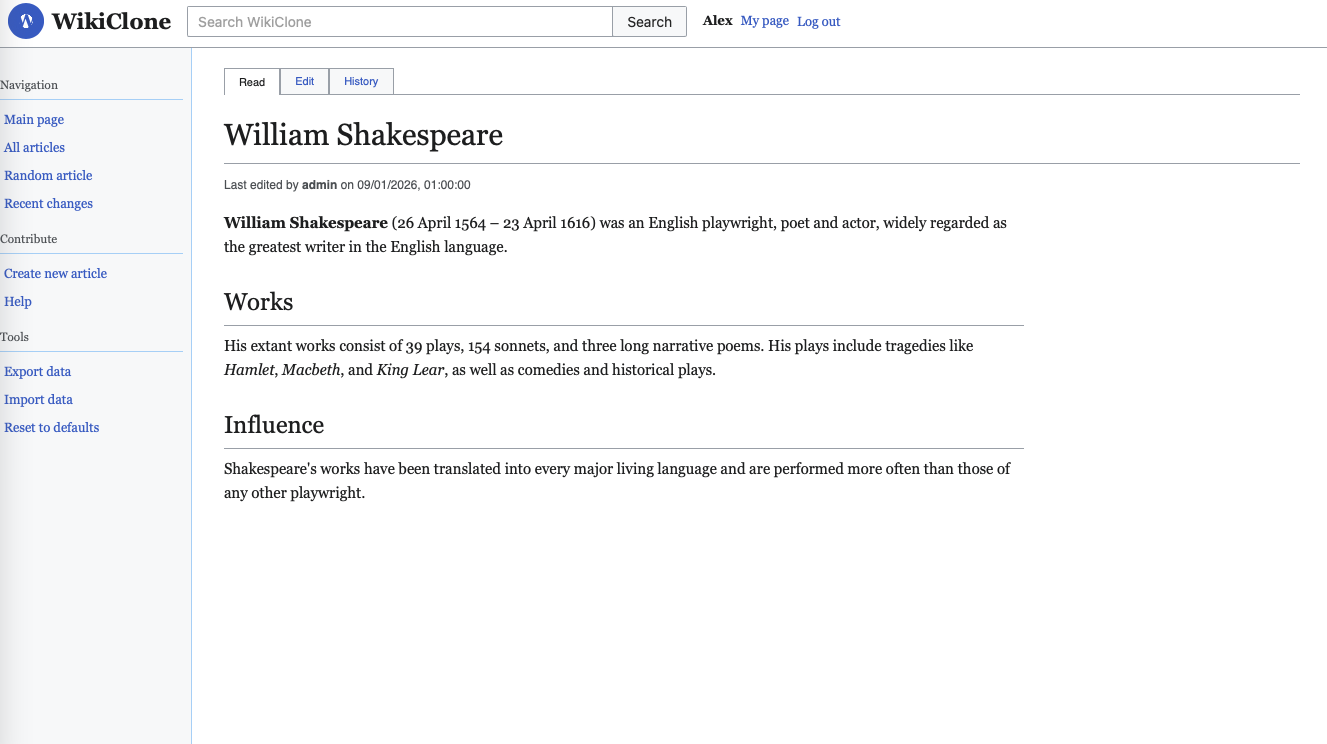
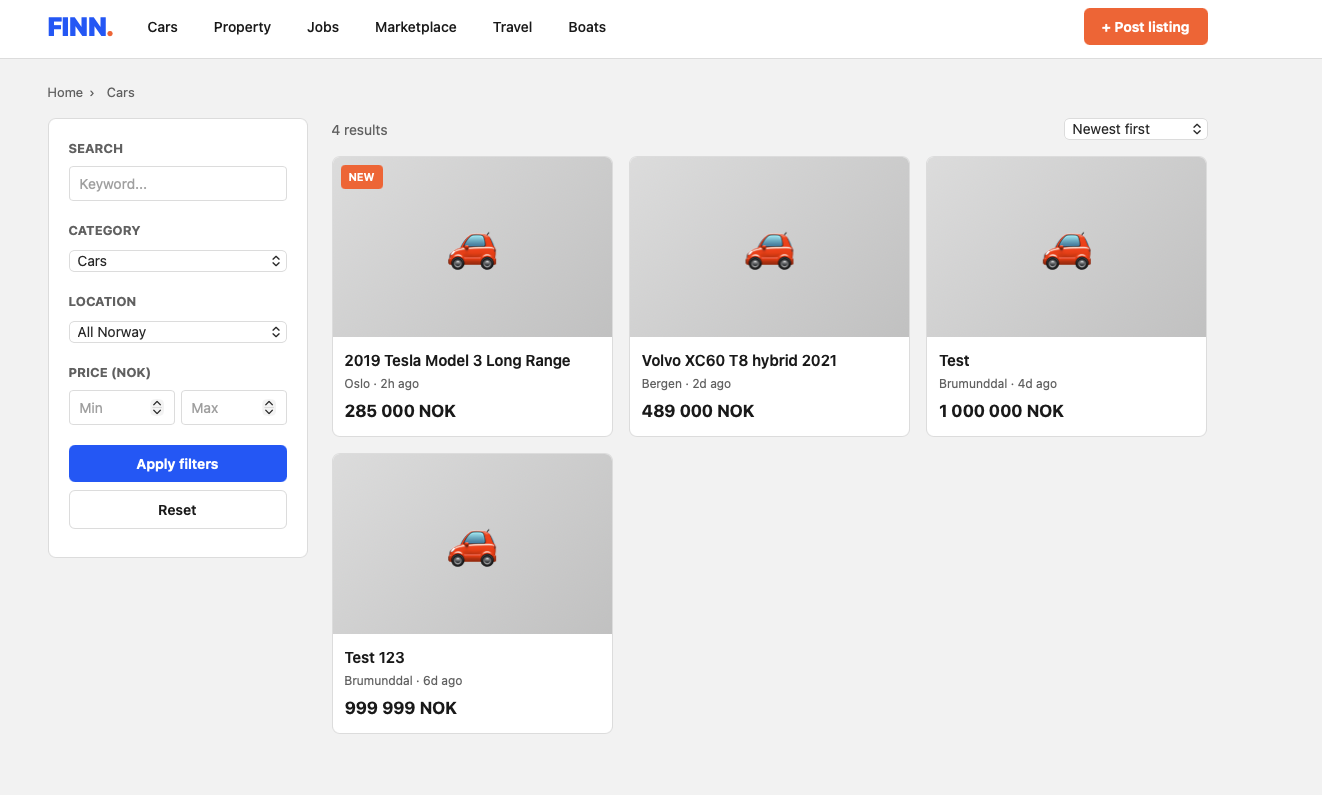
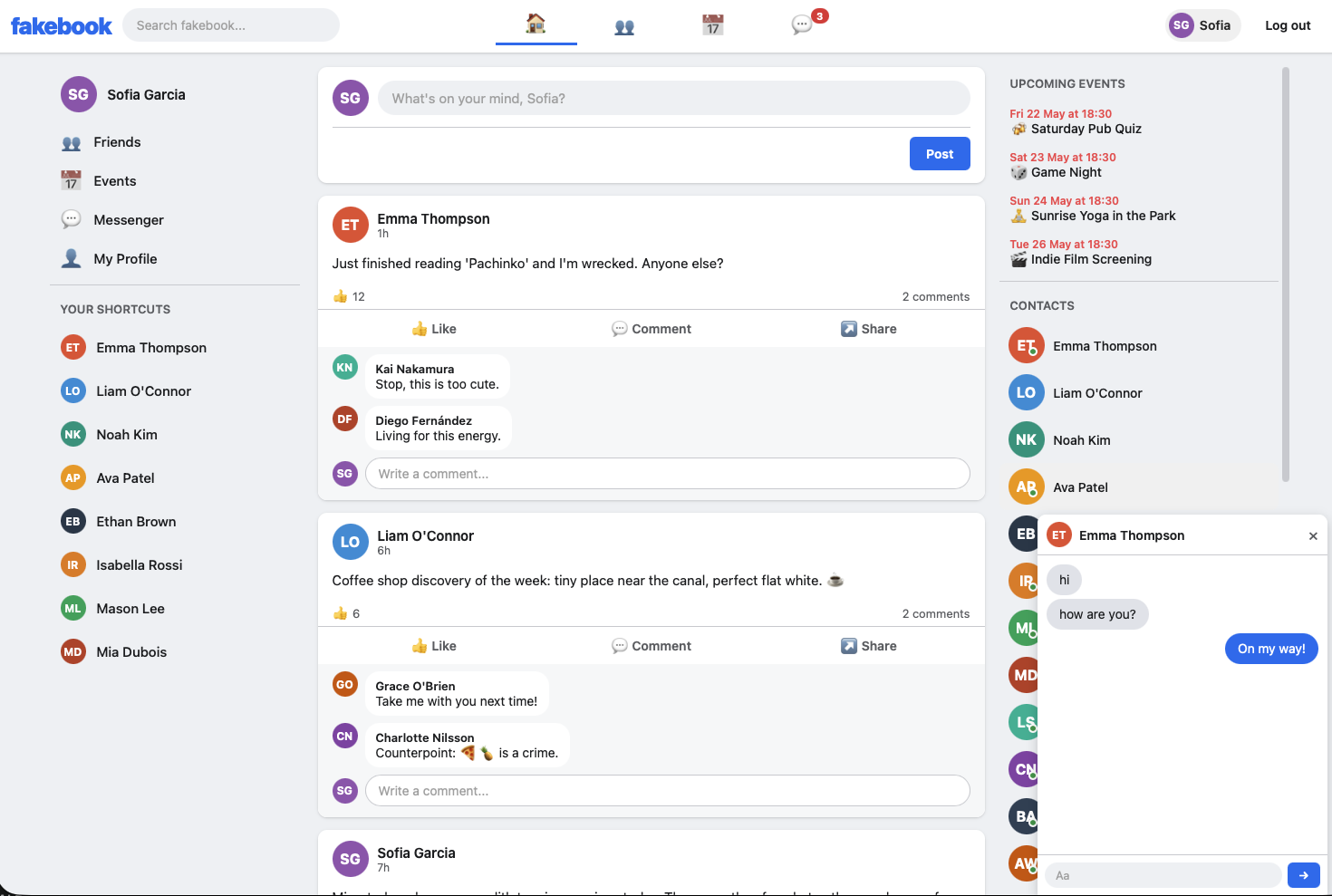
What about websites? I asked it to create some clones of well known websites.
Please comment with your thoughts and any fun prompts you come up with.

